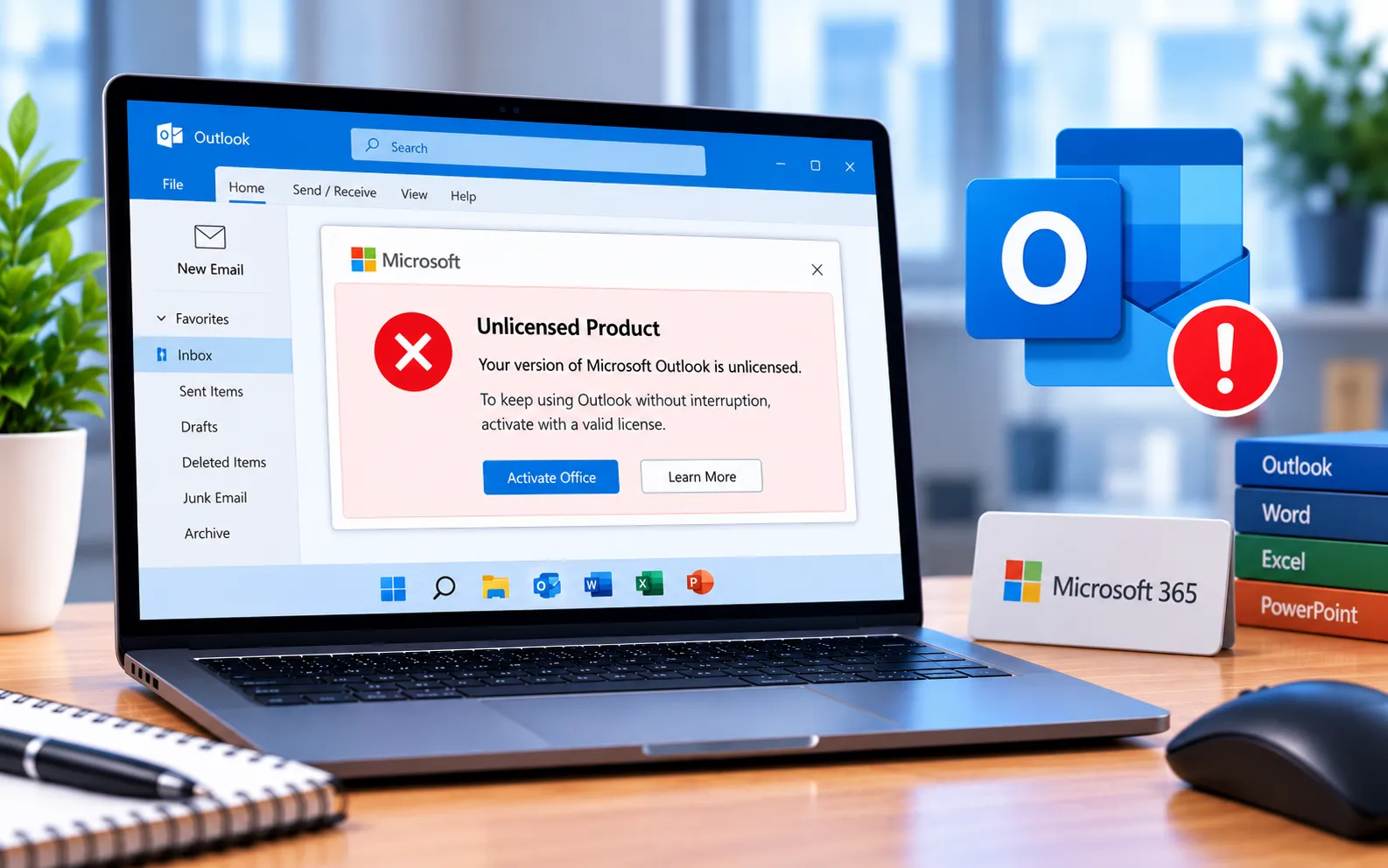
If you’re using an Outlook product that isn’t properly licensed, it blocks most features and shows an “Unlicensed Product” message at the top of the screen as soon as you open the app.
This guide explains why activation fails and the steps to fix it.
Why Outlook Shows “Unlicensed Product”
This error appears when Office activation has failed, and it can show up in the title bar of any Office application, not just Outlook. It’s a common issue, especially when software has been active for a long time. It can also happen due to changes on Microsoft’s configuration servers, which can prevent reactivation and trigger the error during normal use.
Here’s how to fix it:
Sign in with the correct account
If you purchased Outlook personally, sign in with your personal email ID. If you’re using it through work, school, or university, sign in with that organization’s account instead of your personal email — using the wrong account is a common cause of this error.
Confirm your Microsoft account and subscriptions are connected
Sign in to your Microsoft account online and check that all your services and subscriptions are properly linked to it.
Run the Activation Troubleshooter
Open any Office application, go to File → Account, and look for the option to troubleshoot activation issues. Follow the on-screen prompts to apply the recommended fix, then restart your computer.
Check your subscription status
Close Outlook completely, visit your Microsoft account’s services and subscriptions page, sign in with your correct login and password, and check whether your subscription has expired. Reactivate or renew it if needed.
Run Office as administrator
Right-click the Outlook or Office icon and select “Run as administrator.” This can resolve permission issues that cause Office activation to fail.
Still Not Resolved?
If you’re still not able to resolve this Outlook unlicensed product error, our experts are here to assist you — Chat with a specialist — for more technical support.
We are an independent technical support provider and are not affiliated with, endorsed by, or sponsored by Microsoft.
FAQ
Why does Outlook show “Unlicensed Product”?
It’s usually caused by an activation failure — signing in with the wrong Microsoft account, an expired subscription, or a temporary issue with Microsoft’s activation servers.
Should I use my personal or work account for Outlook?
Use the account tied to your actual license — a personal email for a personal purchase, or your work, school, or university account if it was provided through them.
Does this error only affect Outlook, or other Office apps too?
It can affect any Office application, since the underlying issue is with your Office activation as a whole, not Outlook specifically.
Why would running Office as administrator help fix this?
Activation sometimes needs elevated permissions to write license data correctly — running as administrator ensures Office has the access it needs to complete the process.
Tags: Help with Re-installation and Re-activation of office, how do i fix microsoft office unlicensed product, how to fix product activation failed, Reasons for Unlicensed Office, this copy of microsoft office is not activated, this product is unlicensed connect to your corporate., Unlicensed Product - Microsoft office 2019, unlicensed product microsoft office 2010
