In this section, we have answered questions related to word program. Some typical issues with solutions are explained. If you do not find your answer, feel free to ask our techs.
How to Fix the error “Word Not Responding”?
An error message or a full freeze of the Word interface are common symptoms of “Microsoft Word is not responding.” If you encounter this, either close the software or wait for it to react. This guide explains the causes and the steps to fix it. Causes of “Microsoft Word Isn’t Responding” Messages Server timeout — … Continue reading “How to Fix the error “Word Not Responding”?”

Easy to Fix the Error – We’re sorry, but Word has run into an error”
“We’re sorry, but Word has run into an error that is preventing it from working correctly. Word will need to be closed as a result. Would you like us to repair it now?” is a common message in Word 2016, 2019, and 2021, and it’s worth fixing quickly since it stops Word from opening at … Continue reading “Easy to Fix the Error – We’re sorry, but Word has run into an error””

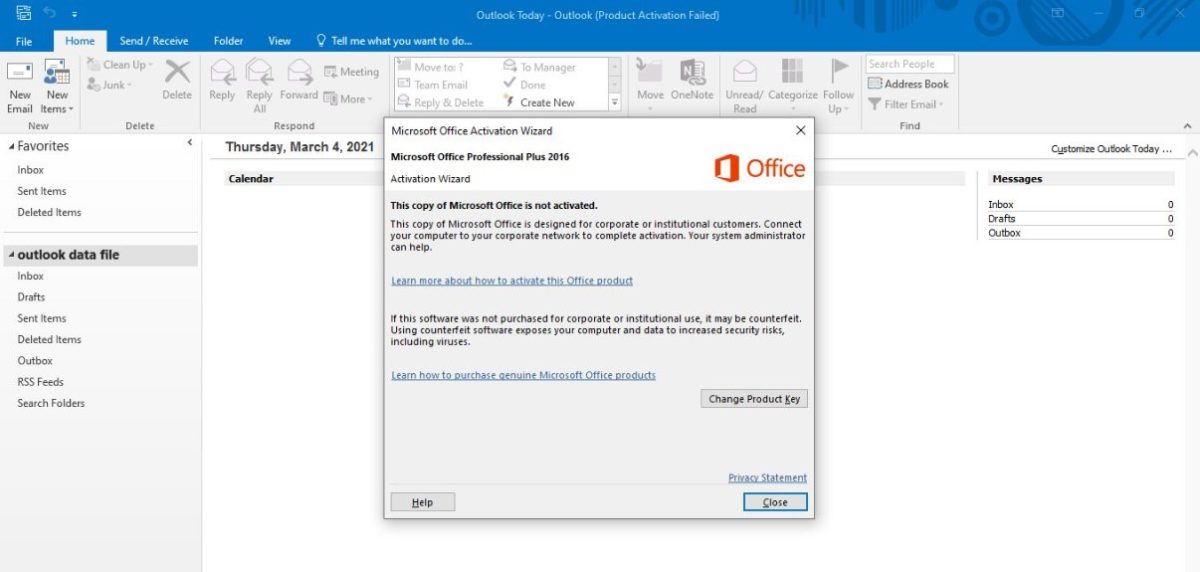
Word document opens in Readonly mode and not able to edit and shows unlicensed product on top
“Unlicensed Product” messages can appear across Office programs like Word, Excel, PowerPoint, or Outlook. If you see this message at the top of Word’s toolbar, it means your Office license isn’t currently verified, and you won’t be able to edit or save your documents until it’s resolved. This guide explains what causes it and the … Continue reading “Word document opens in Readonly mode and not able to edit and shows unlicensed product on top”

Why my office programs show unlicensed even if I purchased it from right place?
Office programs can show “Unlicensed Product” for several reasons beyond a missing key — one common cause is leftover data from a previous trial installation that wasn’t fully removed. This guide explains why this happens and the steps to resolve it. Why Office Shows “Unlicensed Product” Office checks your system date as part of verifying … Continue reading “Why my office programs show unlicensed even if I purchased it from right place?”