“Windows can’t verify the publisher of this driver software” or a similar “can’t verify the signature” message can appear when installing software or drivers whose digital signature Windows can’t confirm.
This guide explains the causes and the steps to fix it.
What Causes “Can’t Verify the Signature” Errors?
This error typically occurs when Windows can’t confirm the digital signature of a driver or application, often due to an incorrect system date and time, an outdated or missing certificate, or the file itself being unsigned or improperly signed.
Here’s how to fix it:
Check your system date and time
Go to Settings → Time & Language, and turn on both “Set time automatically” and “Set time zone automatically.” An incorrect system clock is one of the most common causes of signature verification failures.
Download the file from the official source
Make sure you’re downloading the driver or application directly from the manufacturer’s or developer’s official website, rather than a third-party mirror, since files from unofficial sources are more likely to have signature issues.
Update Windows
Go to Settings → Windows Update, check for available updates, and install them. Windows updates often include updated root certificates needed to verify newer signatures.
Run Windows Update Troubleshooter
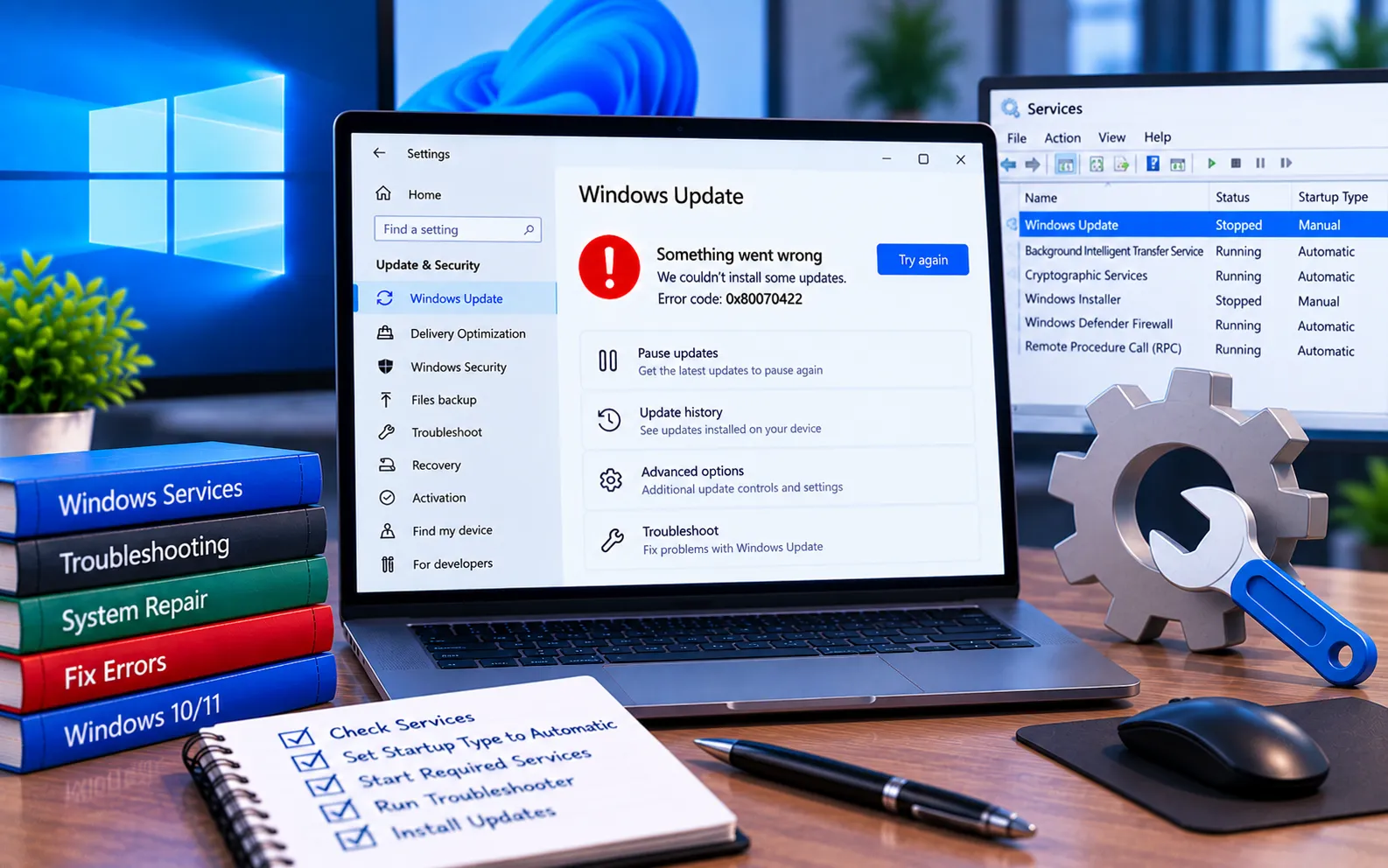
Go to Settings → Update & Security → Troubleshoot → Additional troubleshooters, select Windows Update, and run it to fix any underlying issues affecting certificate validation.
Check for malware
Run a full antivirus scan to rule out malware that could be interfering with signature verification or tampering with system files.
Still Not Resolved?
If you’re still unable to resolve this signature verification error after trying these steps, our experts are here to assist you — Chat with a specialist — for more technical support.
We are an independent technical support provider and are not affiliated with, endorsed by, or sponsored by Microsoft.
FAQ
What causes “Can’t verify the signature” errors?
It’s usually caused by an incorrect system date and time, an outdated certificate store, or the driver/application file itself being unsigned or improperly signed.
Can an incorrect system clock cause this error?
Yes. Digital signatures include a validity period, so an incorrect date or time can make Windows treat a legitimate signature as expired or invalid.
Is it safer to download software from an unofficial source if the official one is slow?
No. Downloading from official sources reduces the risk of signature errors and, more importantly, avoids potentially tampered or malicious files.
Can Windows updates fix signature verification issues?
Yes. Windows updates often include updated root certificates that are needed to verify newer digital signatures correctly.
Tags: [KB9199228], Error Code 0x80070422 in Windows 10/11, Windows 10 update, Windows 11 Update error code 0x80070422, Windows 11/10 Update, Windows 11/10 Update Error 0x80070422, Windows 11/10 Update Error Code 0x80070422, windows update error code 0x80070422
