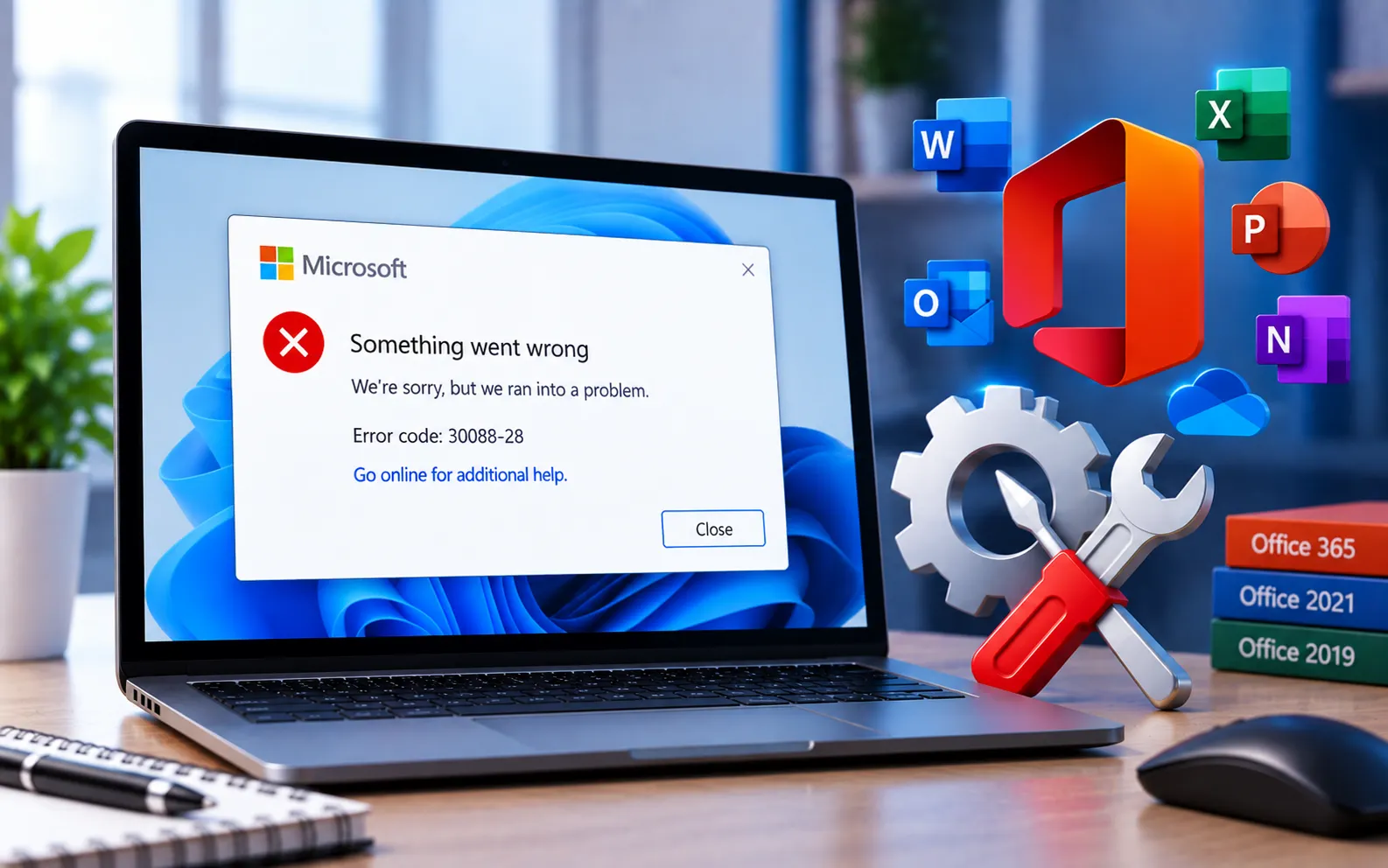
“The application was unable to start correctly (0xc0000142). Click OK to close the application” is a common error that can appear when opening a program on Windows.
This guide explains the causes and the steps to fix it.
What Causes Error 0xc0000142?
This error typically indicates the application can’t properly initialize, often due to corrupted program files, incompatible software, missing system components, or conflicts with other running programs.
Here’s how to fix it:
Restart your computer
A simple restart can resolve temporary conflicts causing this error. Try opening the application again afterward.
Run the application as administrator
Right-click the application’s shortcut or executable and select “Run as administrator.” Some applications need elevated permissions to start correctly.
Update or reinstall the application
Check whether an update is available for the affected application and install it. If the error continues, uninstall the application completely and reinstall it fresh from the official source.
Check for Windows updates
Go to Settings → Windows Update, check for available updates, and install them. Missing system components are sometimes resolved through routine Windows updates.
Run System File Checker
Open Command Prompt as administrator and run sfc /scannow. This scans for and repairs corrupted system files that could be preventing the application from starting.
Check for conflicting software
Temporarily close other running applications, especially antivirus or security software, and try opening the affected program again to rule out a conflict.
Still Not Resolved?
If you’re still unable to resolve Error 0xc0000142 after trying these steps, our experts are here to assist you — Chat with a specialist — for more technical support.
We are an independent technical support provider and are not affiliated with, endorsed by, or sponsored by Microsoft.
FAQ
What causes Error 0xc0000142?
It’s usually caused by corrupted program files, incompatible software, missing system components, or a conflict with another running application.
Should I reinstall the app before trying other fixes?
Not necessarily first. Try restarting, running as administrator, and checking for updates before a full reinstall, since these fix many cases without needing to remove the app.
Can antivirus software cause this error?
Yes. Some security software can conflict with an application trying to start — temporarily closing it helps confirm whether it’s the cause.
Will running SFC fix this error?
It can, if corrupted system files are contributing to the problem — it’s a safe, quick step worth trying alongside the other fixes.
Tags: 30088-28, Error Code 30088-28, KB63363904, Microsoft Office 365/2021/2019, Microsoft Office 365/2021/2019 Error code 30088-28, Microsoft Office installation, Microsoft Office Update Error 30088-28, Microsoft Office Update Error code 30088-28, Office Update Error Code 30038-28, Windows 10, Windows 11
