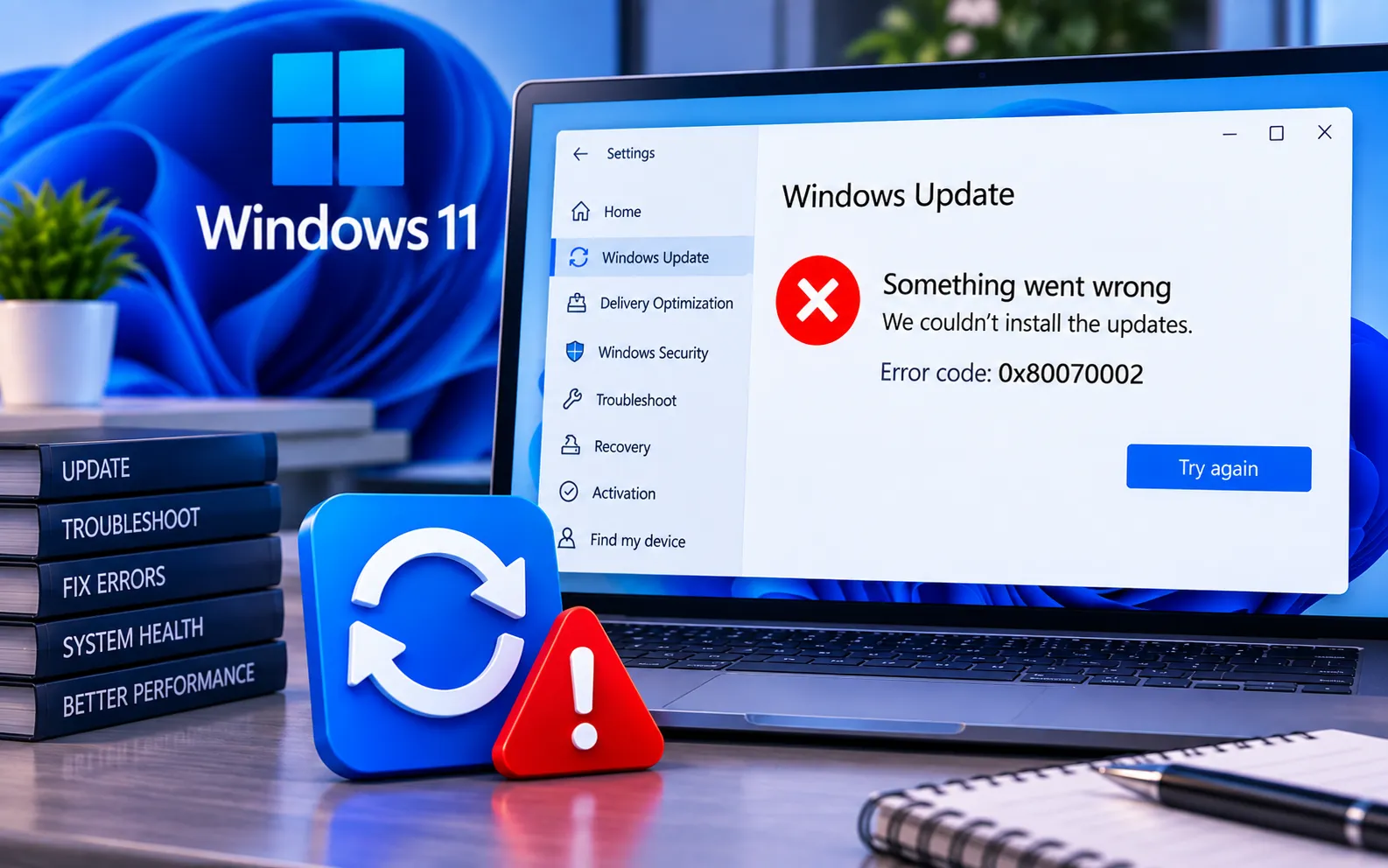
Are you seeing Windows 11 Update Error 0x80070002 when trying to install an update? This error occurs when Windows Update can’t find or access the files required to complete the installation.
This guide covers several troubleshooting steps that can resolve the problem and get Windows Update working again.
What’s the Meaning of Windows 11 Update Error 0x80070002?
Error 0x80070002 happens when Windows Update can’t locate the files it needs to install an update. This usually stems from missing or damaged files, or an issue with the update service itself.
Here’s how to fix Windows 11 Update Error 0x80070002:
Check your internet connection
Make sure you have a steady internet connection — connection drops can sometimes trigger update errors on their own.
Run the Windows Update Troubleshooter
Click the Start menu and choose Settings, then go to System → Troubleshoot → Other troubleshooters, and run the Windows Update troubleshooter. It automatically detects and fixes many common update issues.
Clear the Windows Update cache
Press Win + R, type services.msc, and press Enter. Find “Windows Update” in the list, right-click it, and select Stop. Then open File Explorer, go to C:\Windows\SoftwareDistribution\Download, and delete all files in that folder. Finally, go back to services.msc, right-click “Windows Update,” and select Start.
Check for disk errors
Open Command Prompt as administrator (search “cmd,” right-click, and select Run as administrator), type chkdsk /f, and press Enter. Follow the prompts and restart your PC to let it scan and repair disk errors.
Update Windows manually
Visit the Microsoft Update Catalog and search for the specific update code you’re struggling with, then download and install it manually — this bypasses whatever is blocking the automatic update process.
Run a system file check
Open Command Prompt as administrator and run sfc /scannow. Let the scan finish, then run DISM /Online /Cleanup-Image /RestoreHealth to find and fix any problems with your system files.
Check for Windows updates again
Open the Start menu, go to Settings → Windows Update, and click “Check for updates” to see if the issue is resolved and updates now download successfully.
Still Stuck?
If you’re still stuck with update error 0x80070002 after trying all seven steps, don’t worry — our experts can help you out. Just chat with them and they’ll sort it out for you. Our experts are here to assist you — Chat with a specialist — for more help with tech stuff.
We are an independent technical support provider and are not affiliated with, endorsed by, or sponsored by Microsoft.
FAQ
What does Windows Update Error 0x80070002 mean?
It means Windows Update can’t find or access the files it needs to complete the installation — usually caused by missing, damaged, or corrupted update files.
Will clearing the Windows Update cache delete my files?
No. The SoftwareDistribution\Download folder only holds temporary update files, not your personal documents or installed applications — it’s safe to clear.
Do I need to update manually if the troubleshooter doesn’t work?
Yes, that’s often the most reliable fallback. Downloading the specific update directly from the Microsoft Update Catalog bypasses whatever is blocking the automatic process.
What do SFC and DISM actually fix?
SFC repairs corrupted protected system files, while DISM repairs the underlying Windows component store — together they fix most system-file causes behind update errors like this one.
Tags: 0x80070002, 0x80070002 windows11, error 0x80070002, update error 0x80070002, update error 0x80070002 windows, update error 0x80070002 windows11, update error Code 0x80070002, update error Code 0x80070002 windows11
