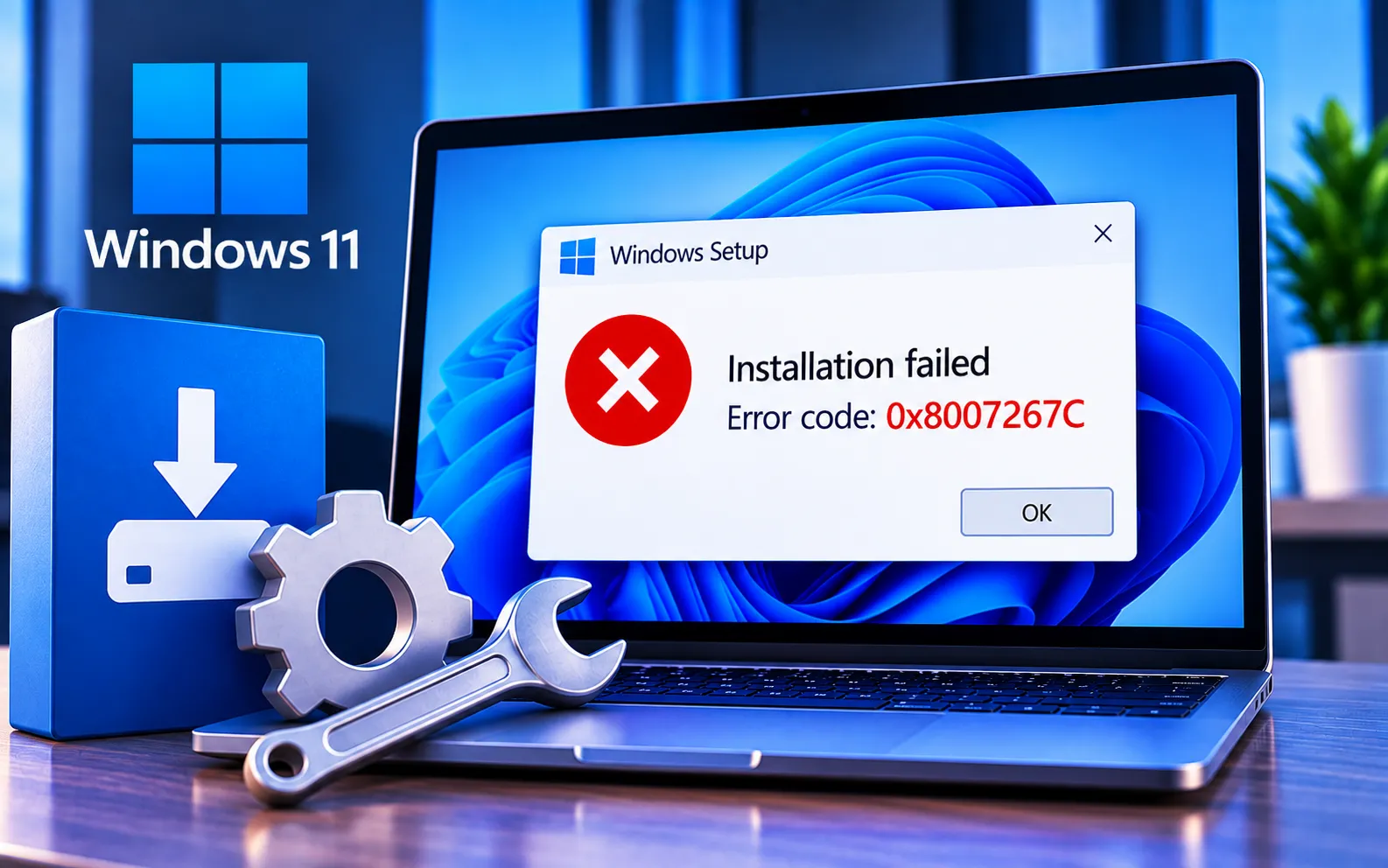
Installation Error Code 0x8007267C can occur when Windows or Microsoft Office has trouble completing an activation or license verification process. Problems with the activation key, network connection, activation services, or system files may prevent the software from activating successfully.
This guide explains what the error means, why it happens, and the troubleshooting steps you can try.
What Is Error Code 0x8007267C?
Error Code 0x8007267C is tied to activation problems with Microsoft Windows and Office. It appears when something is wrong with the activation key or server, preventing the system from confirming that the software is genuine.
Why Does Error Code 0x8007267C Occur?
Wrong activation key — the error can appear if you’ve typed the wrong key or made a mistake entering it during setup, which stops activation from completing.
Problems with activation servers — Microsoft’s activation-checking servers occasionally have issues; your computer may be unable to verify activation while these servers are offline or under maintenance.
Internet problems — activation can fail and trigger this error if your internet connection isn’t working correctly, or if your firewall is blocking the required connection.
Broken system files — key files your computer relies on for activation can become damaged, which leads directly to Error Code 0x8007267C.
Here’s how to fix Error Code 0x8007267C:
Check your activation key
Review the activation key you entered during installation and compare it to the one you received from Microsoft or the software seller. Type it in again carefully to rule out mixed-up letters or numbers.
Check if activation servers are up
Check Microsoft’s website or support forums to see if the activation servers are experiencing issues. If they are, wait until the problem is resolved on Microsoft’s end before trying to activate again.
Check your internet connection
Make sure your computer has a stable internet connection. A dropping network or a firewall blocking Microsoft’s servers will prevent activation from completing.
Restart your computer
Sometimes simply restarting your computer clears the small issues causing the error. After restarting, try activating again.
Use the built-in Activation Troubleshooter
Windows includes a tool that can find and fix common activation problems automatically. Run the Activation Troubleshooter to resolve issues specifically related to Error Code 0x8007267C.
Fix system files
If you suspect damaged system files, open Command Prompt as administrator and run sfc /scannow. This scans for and repairs damaged or missing system files that could be preventing Windows from activating.
Still Not Resolved?
If you’re still unable to resolve Error Code 0x8007267C after trying all six steps, we recommend chatting with our experts — they’ll help you resolve this issue. Our experts are here to assist you — Chat with a specialist — for more technical support.
We are an independent technical support provider and are not affiliated with, endorsed by, or sponsored by Microsoft.
FAQ
What causes Error Code 0x8007267C?
It’s usually caused by an incorrect activation key, a problem with Microsoft’s activation servers, an unstable internet connection, or damaged system files.
Does this error mean my product key is fake?
Not necessarily. It often points to a typing mistake, a connectivity issue, or a temporary problem with Microsoft’s activation servers rather than an invalid key.
Can a firewall block Windows activation?
Yes. If your firewall blocks the connection to Microsoft’s activation servers, the verification process fails and can trigger this error.
What does sfc /scannow do for activation errors?
It scans for and repairs damaged or missing system files, some of which are required for Windows to complete the activation process correctly.
Tags: 0x8007267C, Error Code 0x8007267C, Windows Activation Error 0x8007267C, Windows Activation Error Code 0x8007267C, Windows Error 0x8007267C
