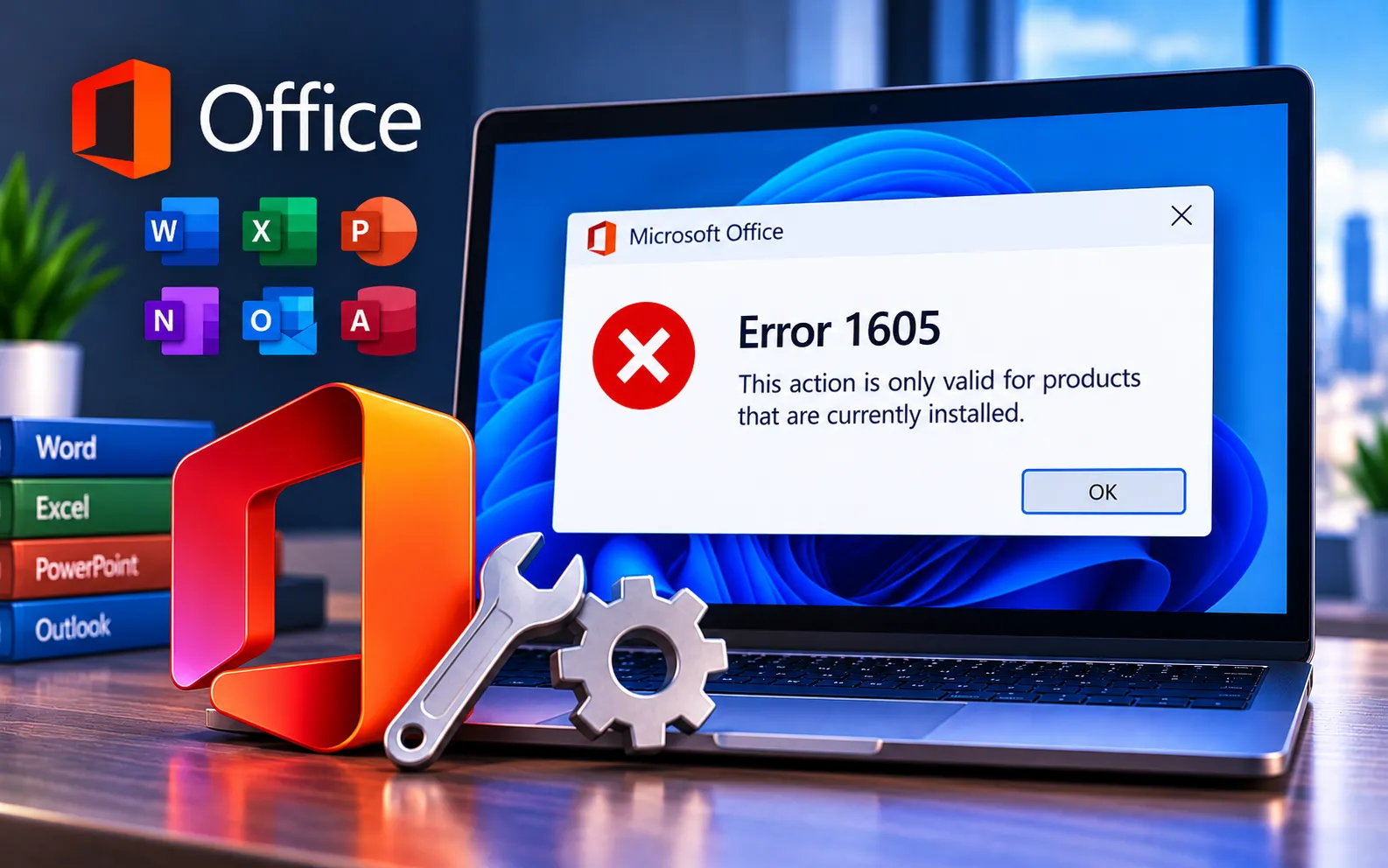
Microsoft Office Error Code 1605 can occur when an Office installation or uninstallation doesn’t complete successfully. Leftover installation files, previous Office components, permission problems, or conflicts with other software may interfere with the process.
If you’re unable to install or remove Microsoft Office because of Error Code 1605, this guide explains the possible causes and the troubleshooting steps you can try.
Why Does Office Error Code 1605 Occur?
Incomplete Office installation or uninstallation — if a previous Office installation or uninstallation was interrupted or didn’t complete correctly, leftover files or configuration data can interfere with a new installation or removal.
Corrupted or incorrect registry entries — changes to Windows registry entries caused by software installations, updates, or incomplete removals can sometimes interfere with Office installation or uninstallation.
Software conflicts — antivirus software, security tools, or other background applications may interfere with the Office installation or removal process.
File and folder permission problems — insufficient permissions for files, folders, or system components can prevent Office from being installed or removed correctly.
Here’s how to fix Office Error Code 1605:
Use Microsoft’s Office troubleshooting tools
Microsoft provides troubleshooting and recovery tools to help diagnose problems with Office installation and removal. If the normal installation process fails, use Microsoft’s current Office installation and troubleshooting guidance to identify the right repair or removal option.
Perform a clean boot
A clean boot starts Windows with only the basics, helping identify whether another app is causing the install issue. Press Win + R, type msconfig, and press Enter. Go to Services, check “Hide all Microsoft services,” and click “Disable all.” Go to Startup, open Task Manager, and disable all startup items. Close Task Manager, click OK, restart your computer, and try reinstalling Office.
Manually remove old Office installs
If leftovers from old Office installations are causing problems, remove them by deleting Office-related folders and registry keys. Be careful when editing the registry — incorrect changes can cause serious problems with your computer, so back up the registry first if you’re unsure.
Check and fix disk permissions
Use Windows’ built-in tools to check and fix disk permissions, since incorrect file permissions can prevent Office from installing or uninstalling. Right-click your hard drive in File Explorer, go to Properties → Tools → Check.
Install Office in Safe Mode
Installing Office in Safe Mode can sometimes bypass issues caused by other software getting in the way. Restart your computer, hold the Ctrl key while clicking on the Office app to open it, and click Yes when asked to start in Safe Mode.
Still Not Resolved?
If you’re still unable to resolve Installation Error Code 1605 after trying all five steps, we recommend chatting with our experts — they’ll help you resolve this issue. Our experts are here to assist you — Chat with a specialist — for more technical support.
We are an independent technical support provider and are not affiliated with, endorsed by, or sponsored by Microsoft.
FAQ
What causes Office Error Code 1605?
It’s usually caused by an incomplete previous installation or uninstallation, corrupted registry entries, software conflicts, or insufficient file and folder permissions.
Is it safe to manually edit the registry to fix this error?
It can help remove leftover Office entries, but incorrect changes can cause serious system problems — back up the registry first, and proceed carefully or seek help if you’re unsure.
Why would installing Office in Safe Mode help?
Safe Mode loads only essential system processes, which can bypass conflicts from antivirus software or other background applications that interfere with a normal installation.
Can antivirus software cause Error Code 1605?
Yes. Antivirus and security tools can interfere with the Office installation or removal process — a clean boot or installing in Safe Mode often works around this.
Tags: 1605, Error 1605, Error Code 1605, Installation Error Code 1605, Microsoft Office Error 1605, Office Error 1605, Office Error Code 1605
