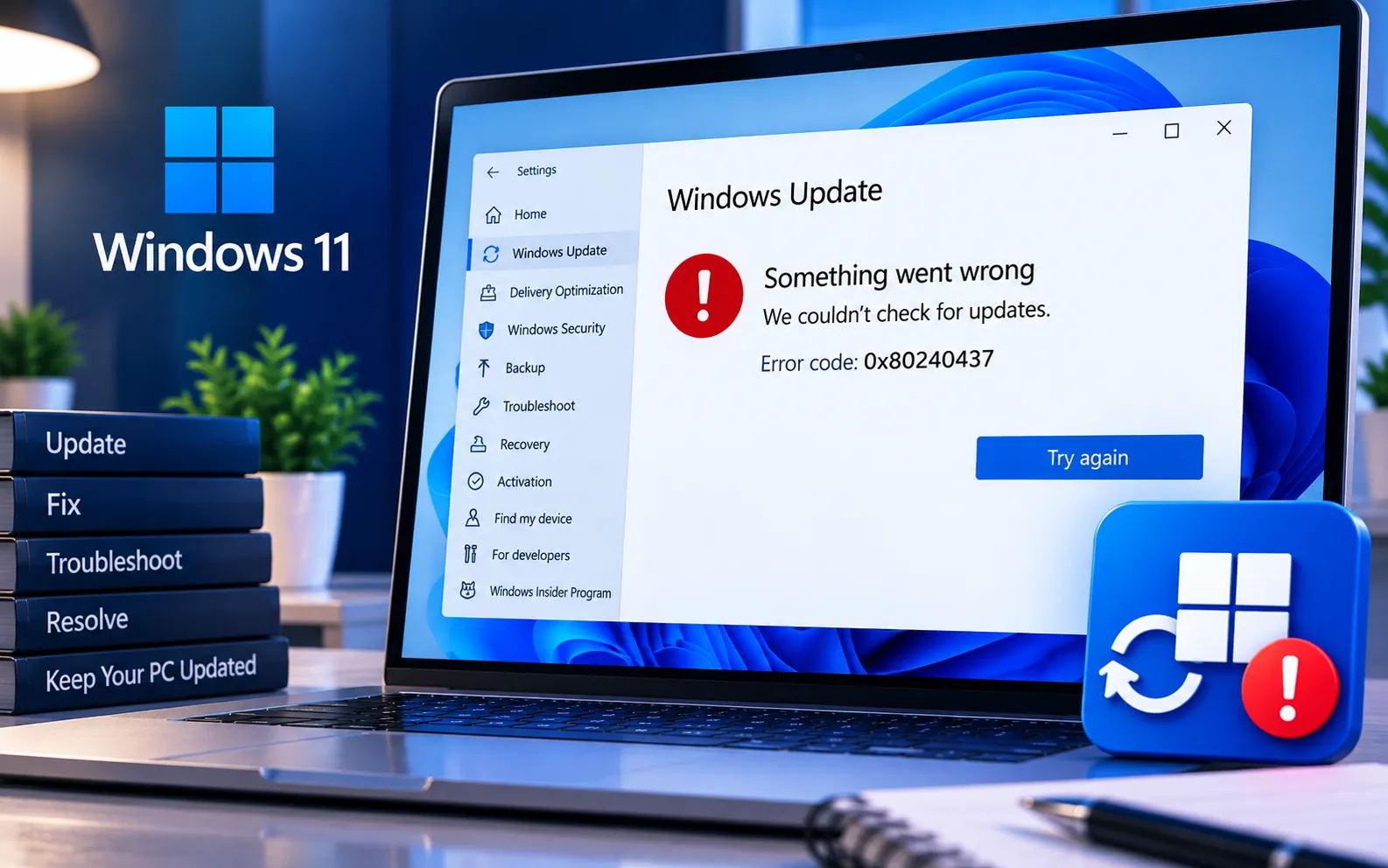
Windows users may encounter Error Code 0x80240437 when trying to download applications from the Microsoft Store or install Windows updates. The error typically indicates a communication problem between your computer and Microsoft’s servers, preventing apps or updates from downloading or installing successfully.
This guide explains the common causes of Error 0x80240437 and the troubleshooting steps you can follow to resolve it.
What Causes Error 0x80240437?
The most common causes of Error 0x80240437 include:
Network connectivity issues — the device fails to connect properly to Microsoft’s update or app servers.
Misconfigured system settings — incorrect system configuration, such as the wrong date or time, can disrupt the update process.
Antivirus or firewall interference — overly aggressive security software can block connections to update servers.
Corrupted or outdated update files — damaged or stale update files can be the direct cause of a communication failure.
Microsoft server conditions — less commonly, the error can occur due to temporary unavailability on Microsoft’s end.
Here’s how to fix Error 0x80240437:
Check your internet connection
Make sure your device is properly connected to the network. Try restarting your router, switching to an Ethernet connection instead of Wi-Fi, or testing connectivity on another device to rule out a broader network problem.
Verify date and time settings
An incorrect date or time can interfere with communication to Microsoft’s servers. Go to Settings → Time & Language, and turn on both “Set time automatically” and “Set time zone automatically.” Restart your device and try the update again.
Temporarily disable antivirus or firewall
Security software can sometimes block access to Microsoft’s servers. Temporarily disable your antivirus or firewall to see if updates or app downloads go through — and remember to turn it back on afterward.
Reset Windows Update components
If nothing else works, reset the Windows Update components manually. Open Command Prompt as administrator and run each command below one at a time:
net stop wuauserv
net stop cryptSvc
net stop bits
net stop msiserver
ren C:\Windows\SoftwareDistribution SoftwareDistribution.old
ren C:\Windows\System32\catroot2 catroot2.old
net start wuauserv
net start cryptSvc
net start bits
net start msiserver
Then restart your PC and try the update again.
Use the Windows Update Troubleshooter
Microsoft provides a built-in troubleshooter for update issues. Open Settings → Update & Security → Troubleshoot → Additional troubleshooters, select Windows Update, and click “Run the troubleshooter.” Follow the on-screen instructions and restart your device if prompted.
Check proxy and DNS settings
Incorrect proxy or DNS settings can also trigger this error. To disable proxy: go to Settings → Network & Internet → Proxy, and make sure “Use a proxy server” is off. To change DNS: open Control Panel → Network and Sharing Center → Change adapter settings, right-click your active connection → Properties → Internet Protocol Version 4 (TCP/IPv4) → Properties, select “Use the following DNS server addresses,” and enter 8.8.8.8 as the preferred DNS and 8.8.4.4 as the alternate.
Still Seeing the Error?
If you’ve worked through all six steps and Error 0x80240437 is still appearing, the cause may need a closer, device-specific look. Our experts are here to assist you — Chat with a specialist — and they’ll help guide you through resolving the issue.
We are an independent technical support provider and are not affiliated with, endorsed by, or sponsored by Microsoft.
FAQ
What does Error 0x80240437 mean?
It indicates a communication problem between your device and Microsoft’s servers, which prevents apps or updates from downloading or installing successfully.
Can incorrect date and time settings cause this error?
Yes. Windows checks your system’s date and time as part of secure communication with Microsoft’s servers, so an incorrect clock can trigger this error even with a stable internet connection.
Will resetting Windows Update components delete my files?
No. The reset commands only rename the update cache folders — they don’t affect your personal files, documents, or installed applications.
Can antivirus software cause Error 0x80240437?
Yes. Overly aggressive antivirus or firewall settings can block your device from reaching Microsoft’s update servers, which triggers this error during downloads or installations.
Tags: 0x80240437, Error 0x80240437, Error Code 0x80240437, Update Error Code 0x80240437, Windows 10 Error Code 0x80240437, Windows 11 Error Code 0x80240437, Windows Error 0x80240437, Windows Error Code 0x80240437, Windows Update Error Code 0x80240437
