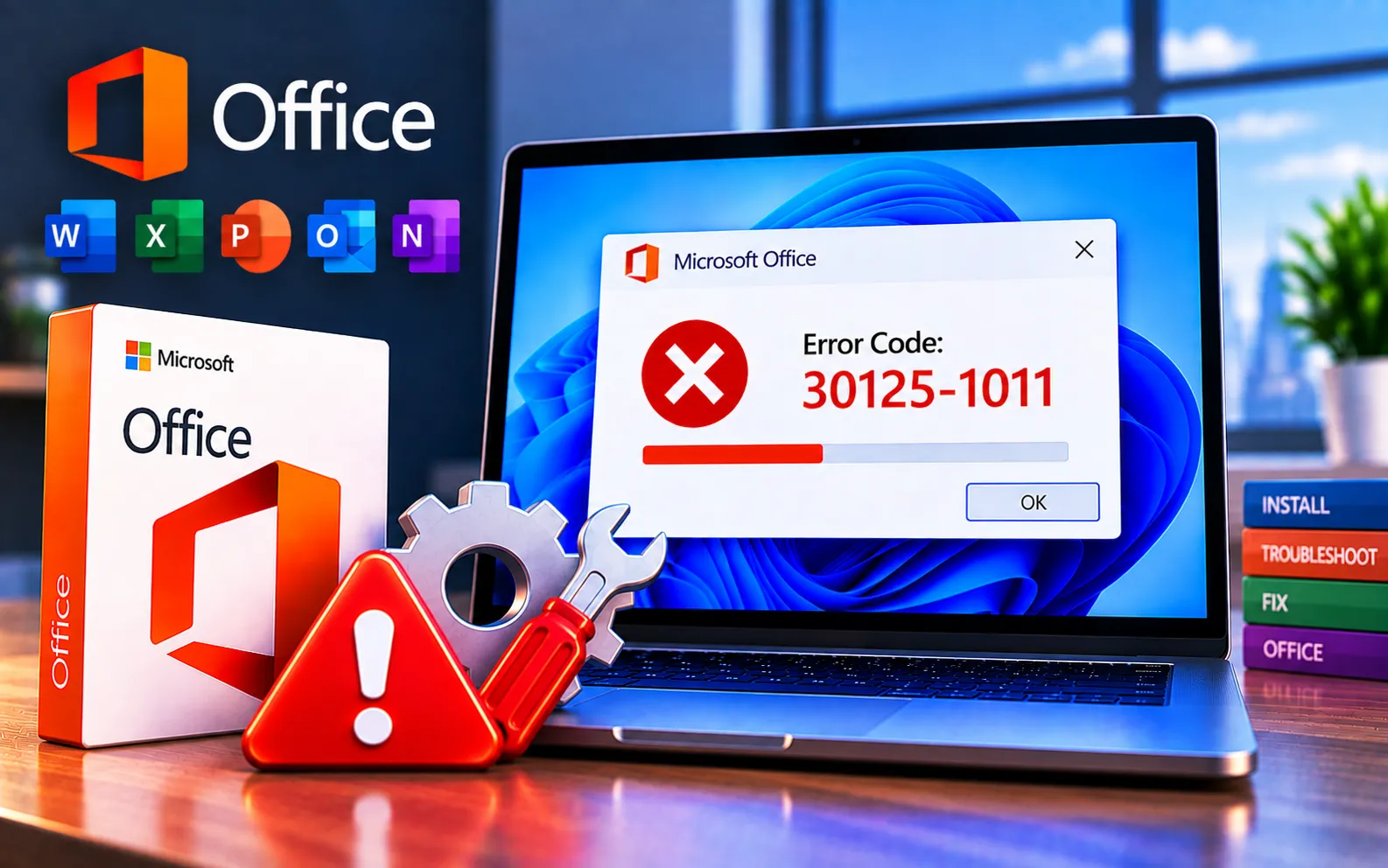
Installing Microsoft Office is usually straightforward, but users may sometimes encounter error codes that prevent installation from completing. One such error is 30125-1011.
This guide explains the common causes of the error and provides troubleshooting steps that can help resolve it.
What Causes Microsoft Office Error Code 30125-1011?
Error Code 30125-1011 usually indicates that a problem occurred at some point during the Microsoft Office setup process. This can happen for a few different reasons:
Network problems — an unstable or interrupted internet connection can disrupt the Office installation process.
Antivirus or firewall interference — security software can sometimes interfere with the installation.
Corrupt Office installation files — the files required for setup may be incomplete or damaged.
Previous Office installation files — files or configuration data left behind from an earlier installation can interfere with a new one.
Here’s how to fix Error Code 30125-1011:
Check your internet connection
Make sure you have a stable, uninterrupted internet connection throughout the installation. If you’re on Wi-Fi, try switching to a wired connection for added stability.
Temporarily disable antivirus and firewall
Security software can sometimes interfere with Office installation. If you suspect this is happening, temporarily disable your antivirus or firewall according to the provider’s instructions, then try installing again. Re-enable your security software once you’re done testing.
Remove temporary files
Clearing temporary files can help resolve problems caused by corrupted data. Press Win + R to open the Run dialog, type %temp%, and press Enter to open the Temp folder. Select all files and folders (Ctrl + A) and delete them — skip any that can’t be deleted. Restart your system and try installing Office again.
Use the Office Uninstall Support Tool
Microsoft provides a tool called the Office Uninstall Support Tool, which completely removes Office from your system, including any leftover files that could be causing this error. Download and run it from the official Microsoft website before reinstalling.
Install Office in Safe Mode
Third-party programs can sometimes interfere with installation, and Safe Mode helps bypass these conflicts. On Windows 10/11, hold Shift and click Restart from the Start menu or login screen, then go to Troubleshoot → Advanced options → Startup Settings → Restart, and select “Safe Mode with Networking” from the options shown. Once in Safe Mode, try reinstalling Microsoft Office.
Check system requirements
Confirm your system meets the minimum requirements for the version of Microsoft Office you’re installing. Incompatible hardware or software can sometimes cause installation problems.
Still Not Resolved?
If you’re still unable to resolve Error Code 30125-1011 after trying all six steps, we recommend chatting with our experts — they’ll help you resolve this issue. Our experts are here to assist you — Chat with a specialist — for more technical support.
We are an independent technical support provider and are not affiliated with, endorsed by, or sponsored by Microsoft.
FAQ
What causes Office Error Code 30125-1011?
It’s usually caused by an unstable internet connection, antivirus or firewall interference, corrupted installation files, or leftover data from a previous Office installation.
Is it safe to delete everything in the %temp% folder?
Yes. The Temp folder only holds temporary system and application data — deleting its contents is safe, and any file currently in use will simply be skipped automatically.
How do I boot into Safe Mode on Windows 10 or 11?
Hold Shift and click Restart from the Start menu or login screen, then go to Troubleshoot → Advanced options → Startup Settings → Restart, and choose Safe Mode with Networking — the older F8 method isn’t reliable on modern systems.
What does the Office Uninstall Support Tool do?
It fully removes Office from your computer, including leftover files a standard uninstall might miss, giving you a clean slate before reinstalling.
Tags: 30125-1011, Error Code 30125-1011, Installation Error Code 30125-1011, Microsoft Office Error Code 30125-1011, office Error Code 30125-1011
