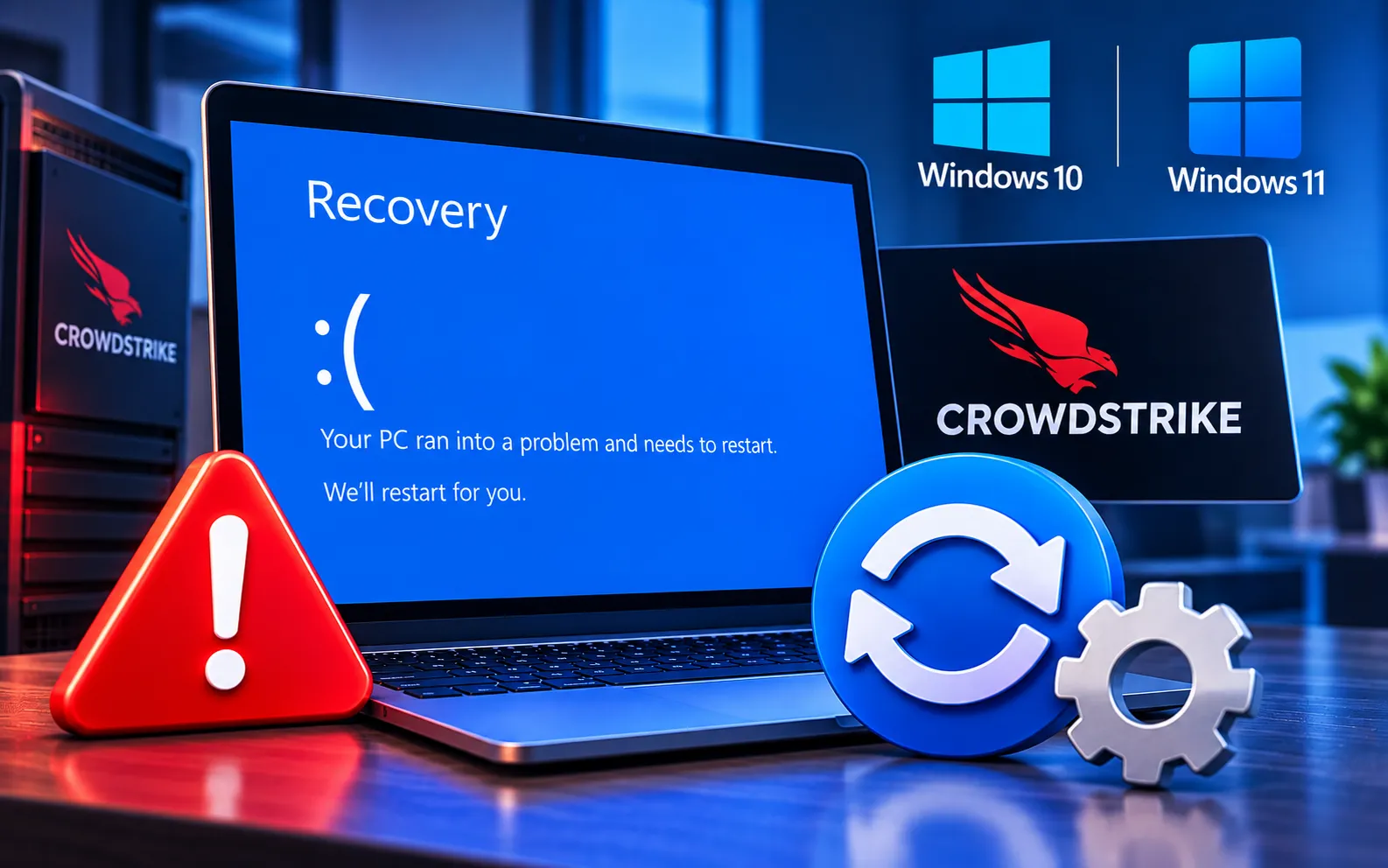
If your Windows 10 or Windows 11 PC is stuck in a Blue Screen of Death (BSOD) recovery loop after a CrowdStrike-related problem, the system may repeatedly restart without successfully loading Windows. This can prevent you from accessing your desktop and make normal troubleshooting difficult.
This guide explains the possible causes of the recovery loop and the troubleshooting steps you can try to restore access to your PC.
Why Is Windows Stuck in a BSOD Recovery Loop?
A Windows recovery loop can occur when a driver, system component, or security software conflict prevents Windows from starting normally. Security software such as CrowdStrike Falcon operates at a deep system level, so problems involving its drivers or updates can affect system startup directly.
If Windows repeatedly crashes and returns to recovery, the goal is to start the system in a recovery environment or Safe Mode and identify the component causing the problem.
Here’s how to fix a Windows 10/11 BSOD recovery loop:
Start up in Safe Mode
Windows 10: F8 is not a reliable method on modern Windows 10/11 systems — choose Safe Mode from the list of Advanced Boot Options instead.
Windows 11: Hold Shift and click Restart on the login screen or Start menu. Go to Troubleshoot → Advanced options → Startup Settings → Restart, then select Safe Mode from the options shown.
Remove CrowdStrike
Once in Safe Mode, press Win + R, type appwiz.cpl, and press Enter to open Programs and Features. Find CrowdStrike in the list, right-click it, select Uninstall, and follow the prompts to remove it completely.
Update or roll back drivers
After removing CrowdStrike, check for drivers that may not be working correctly. Right-click the Start button, select Device Manager, expand categories like Display adapters and Network adapters, and right-click each device to Update driver or Roll back driver if a recent update caused the issue.
Try System Restore
If your screen keeps turning blue even after removing CrowdStrike, restore your PC to a point when it was working fine. Go to the Start menu, type “Create a restore point,” select the matching option, click System Restore, and choose a restore point from before CrowdStrike was installed.
Reinstall Windows or get help
If none of the steps above resolve the issue, consider reinstalling Windows or reaching out to CrowdStrike support directly — they may have a newer update or fix that improves compatibility with your system.
Still Stuck?
If you’re still stuck with a BSOD recovery loop related to CrowdStrike, don’t worry — our experts can help you out. Just chat with them and they’ll sort it out for you. Our experts are here to assist you — Chat with a specialist — for more help with tech stuff.
We are an independent technical support provider and are not affiliated with, endorsed by, or sponsored by Microsoft.
FAQ
Why does CrowdStrike cause a BSOD recovery loop?
CrowdStrike Falcon operates at a deep system level, so a problem with its drivers or a faulty update can prevent Windows from starting normally, triggering repeated crashes.
How do I boot into Safe Mode if Windows keeps crashing?
Since F8 isn’t reliable on modern systems, use the Advanced Boot Options menu on Windows 10, or Shift + Restart → Troubleshoot → Advanced options → Startup Settings on Windows 11.
Will uninstalling CrowdStrike fix the recovery loop?
In many cases, yes. Removing it in Safe Mode is usually the first and most effective step, though driver rollbacks or System Restore may also be needed if the issue persists.
Will System Restore delete my files?
No. System Restore reverts system settings and software changes to an earlier point in time — it doesn’t delete your personal documents or files.
Tags: Blue Screen of Death and Recovery, Windows 10 BSOD, Windows 10 BSOD CrowdStrike, Windows 10/11 BSOD Stuck at Recovery Due to CrowdStrike, Windows 11 BSOD, Windows 11 BSOD CrowdStrike, Windows BSOD Stuck at Recovery Due to CrowdStrike
