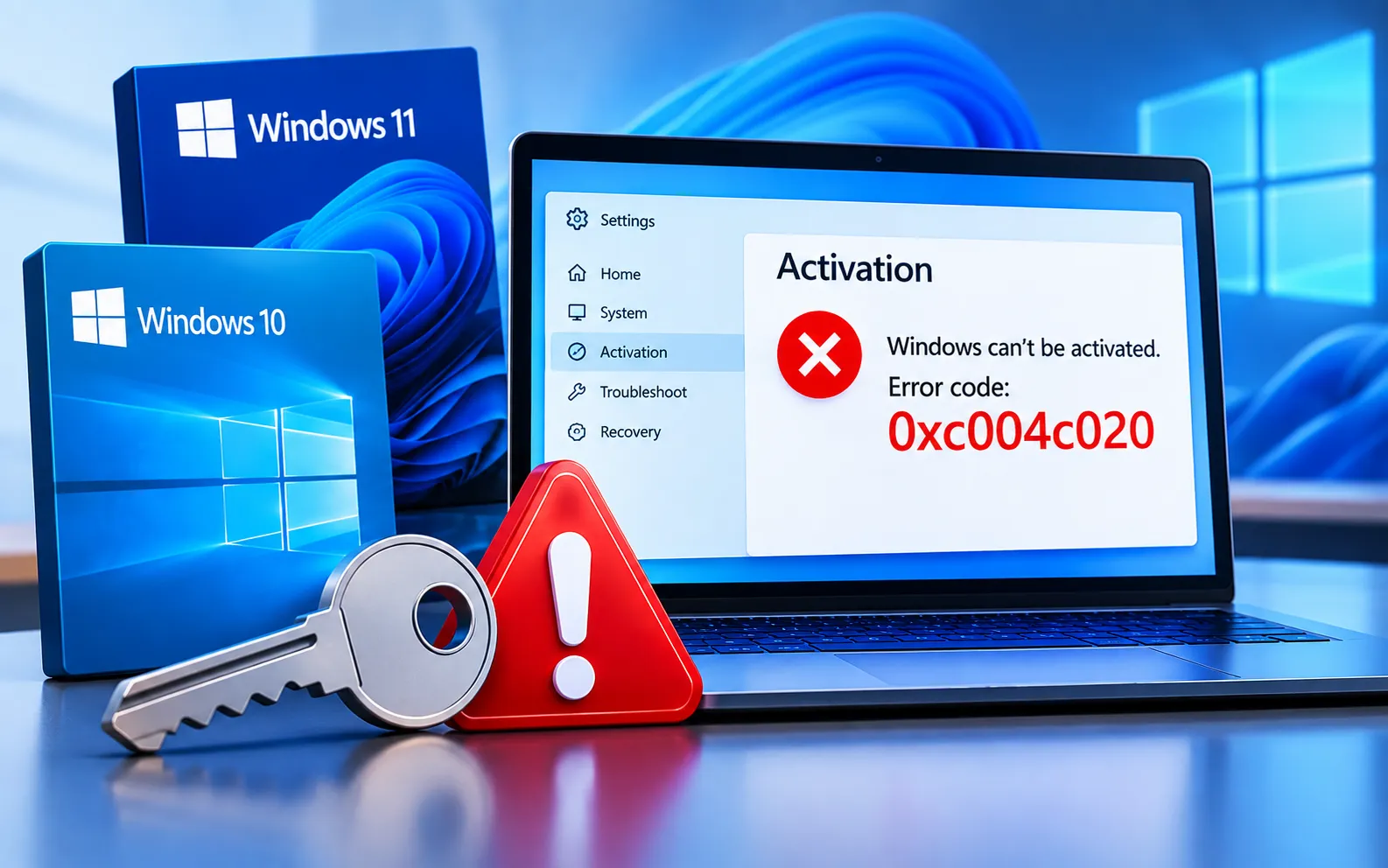
Windows Activation Error Code 0xC004C020 can appear when Windows cannot complete the activation process successfully. The problem may be related to the product key, the type of Windows license, or an issue with the activation process itself.
This guide explains what Error Code 0xC004C020 means, why it can occur, and what you can do to activate Windows successfully.
What Does Error Code 0xC004C020 Mean?
Error Code 0xC004C020 indicates that Windows encountered a problem while validating the license or product key during activation. This can happen when the product key doesn’t work with the Windows edition being activated, or when the license has reached its permitted usage. It’s one of several Windows activation errors that can prevent successful activation.
Invalid product key — make sure the product key entered is correct and matches the version of Windows you’re trying to activate.
Product key already in use — if the same key has been used on another device, or in a way that doesn’t match its licensing terms, activation can fail. Check that the license is intended for this specific device and Windows edition.
Activation server issues — occasionally, server-related problems on Microsoft’s end cause activation failures, which often resolve on their own once the servers are back up.
Here’s how to resolve Error Code 0xC004C020:
Verify the product key
Double-check the product key for typos, and confirm it corresponds to the exact version of Windows you’re activating.
Try a different product key
If the current key is suspected to be invalid or already in use elsewhere, try activating with a different, genuine product key.
Activate by phone
If online activation fails, you can activate Windows by phone instead. Follow the on-screen instructions to complete the process this way.
Wait for server issues to resolve
If the error is tied to a temporary problem on Microsoft’s activation servers, waiting a while and trying again often resolves it.
Contact Microsoft Support
If the issue persists after trying the steps above, reach out to Microsoft Support for personalized assistance and guidance specific to your license.
Preventing This Error in the Future
Always use a genuine product key from a reliable source, avoid using the same key across multiple devices, and make sure you have a stable internet connection during activation. Our experts are here to assist you — Chat with a specialist — for more technical support.
We are an independent technical support provider and are not affiliated with, endorsed by, or sponsored by Microsoft.
FAQ
What causes Windows Error Code 0xC004C020?
It’s usually caused by an invalid or mismatched product key, a key already in use on another device, or a temporary issue with Microsoft’s activation servers.
Can I use the same product key on multiple devices?
No, in most cases. Each product key typically has a set number of permitted activations — using it beyond that limit or on unintended devices can trigger this error.
What is phone activation and when should I use it?
Phone activation is an alternative to online activation, useful when Windows can’t validate your key over the internet — Windows provides on-screen instructions to guide you through it.
Does this error always mean my product key is fake?
Not necessarily. It can also point to a temporary server issue or an edition mismatch, so it’s worth verifying the key and trying again before assuming it’s invalid.
Tags: 0xc004c020, 0xc004c020 windows 10 activation error, 0xc004c020 windows 11 activation error, 0xc004c020 windows server 2022, error 0xc004c020, error code 0xc004c020, error code 0xc004c020 windows 10 activation, error code 0xc004c020 windows server 2022, windows activation error 0xc004c020
