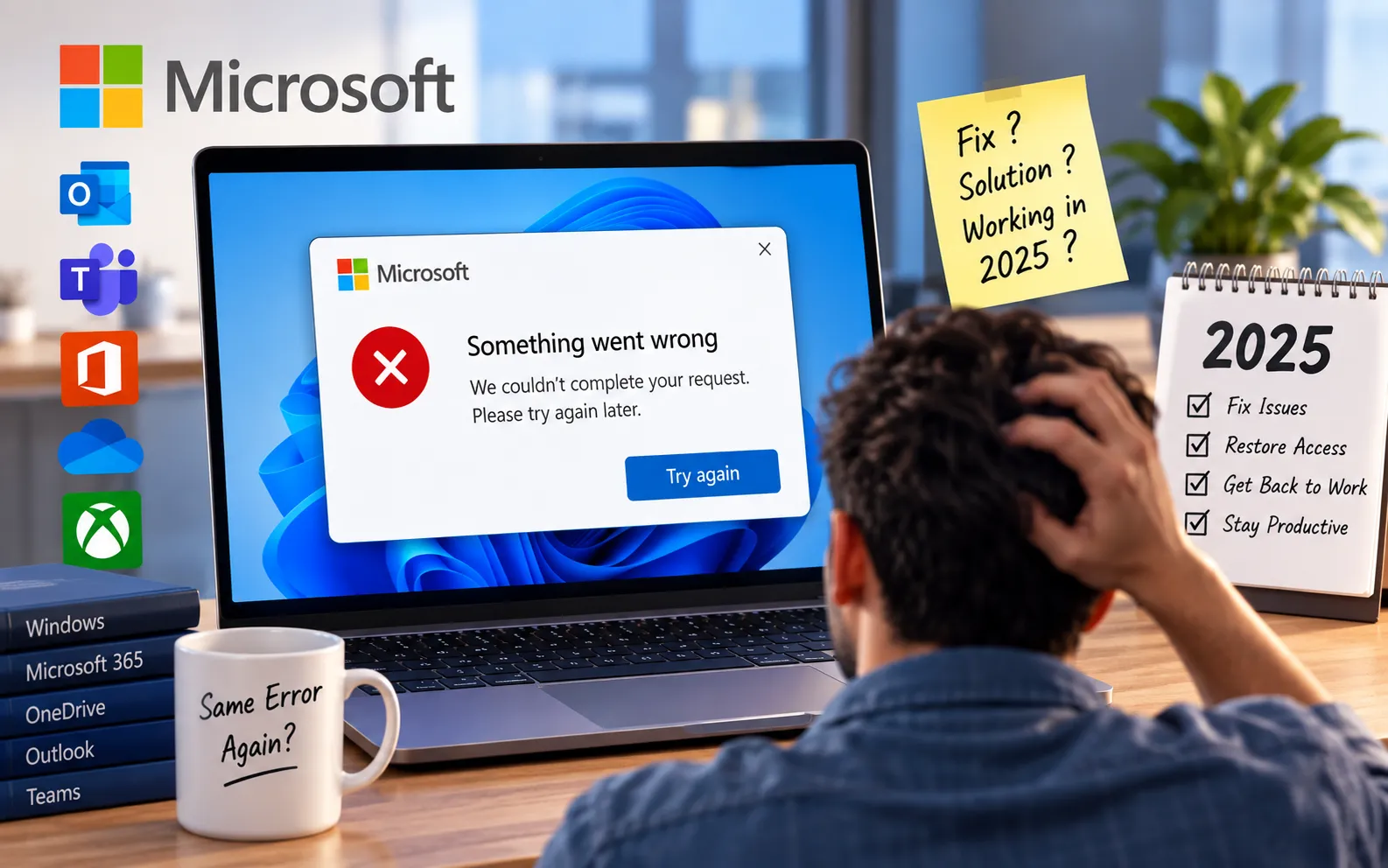
For years, users of Microsoft Windows, Office, Outlook, Teams, and other services have encountered a frustratingly vague error message: “Something went wrong.” This alert provides very little information about what actually went wrong, leaving users confused and unsure how to solve the problem.
This guide explains what typically causes this error, why Microsoft’s messaging is so generic, and the troubleshooting steps that resolve it in most cases.
Why Does Microsoft Keep Saying “Something Went Wrong”?
The error appears when a Microsoft service runs into a problem it can’t explain with a specific message, so it falls back to this generic alert. It can show up across Windows, Office, Outlook, and Teams, and usually falls into one of four categories:
Server or connectivity issues — Microsoft’s cloud-based services may show this error when there are server outages, network problems, or connectivity issues affecting communication with the service.
Software faults — Failed updates, software bugs, or compatibility problems between an app and your current Windows version can trigger the error.
Login failures — Sign-in problems, account synchronization issues, or disruptions to Microsoft’s identity services can also cause it to appear.
Corrupted files or settings — An incomplete installation, corrupted system files, or damaged app settings may be the underlying cause.
The most frustrating part is that “Something went wrong” doesn’t identify which of these is actually happening — unlike a specific error code, it gives no direct clue for troubleshooting, which means you have to work through each possible cause systematically.
Here’s how to troubleshoot it, in the order most likely to fix it fastest:
Check your internet connection
Since many Microsoft services are cloud-connected, confirm you have a stable internet connection. Try switching networks or restarting your router if the connection seems unstable.
Sign out and back into your Microsoft account
Sign out of the affected app, then sign back in with the correct Microsoft account. This resolves errors caused by account sync issues or expired sign-in sessions.
Update the affected software
Check for pending updates to Windows, Office, or the specific app showing the error. A failed or missing update is one of the most common causes of this message.
Restart the app or your device
Close and reopen the affected app first. If the error persists, restart your device completely — this clears temporary glitches that a simple app restart won’t fix.
Repair or reinstall the application
If the steps above don’t help, the app installation itself may be corrupted. Use the built-in repair option (Control Panel → Programs → Change), or uninstall and reinstall the app as a last step.
If the Error Continues
Checking your internet connection, Microsoft account, software updates, and application installation resolves this error in most cases. If you’ve worked through all five steps and “Something went wrong” still appears, the cause may need closer, device-specific diagnosis rather than repeated troubleshooting attempts. Our experts are here to assist you — Chat with a specialist — and they’ll help resolve any issues you may have.
We are an independent technical support provider and are not affiliated with, endorsed by, or sponsored by Microsoft.
FAQ
Why doesn’t Microsoft give a specific error code for “Something went wrong”?
Microsoft’s cloud services often can’t isolate the exact cause in real time, so they display this generic message instead of a specific error code, which means troubleshooting has to rule out causes one at a time.
Is “Something went wrong” always a connectivity problem?
No. While connectivity issues are a common cause, the same message can also appear due to software faults, login failures, or corrupted files and settings.
Which Microsoft apps show this error?
It commonly appears in Windows, Office apps like Word and Excel, Outlook, and Microsoft Teams, since they all share the same underlying cloud services and identity system.
Will reinstalling the app fix the error?
It can, if the cause is a corrupted installation. It’s best tried after checking your connection, account, and updates, since those fix the issue more often and don’t require a full reinstall.
Tags: Fix Microsoft Errors, Microsoft Error, Microsoft Troubleshooting, Office Errors, Outlook Problems, Something went wrong, Teams Login Failure, Windows Issues
