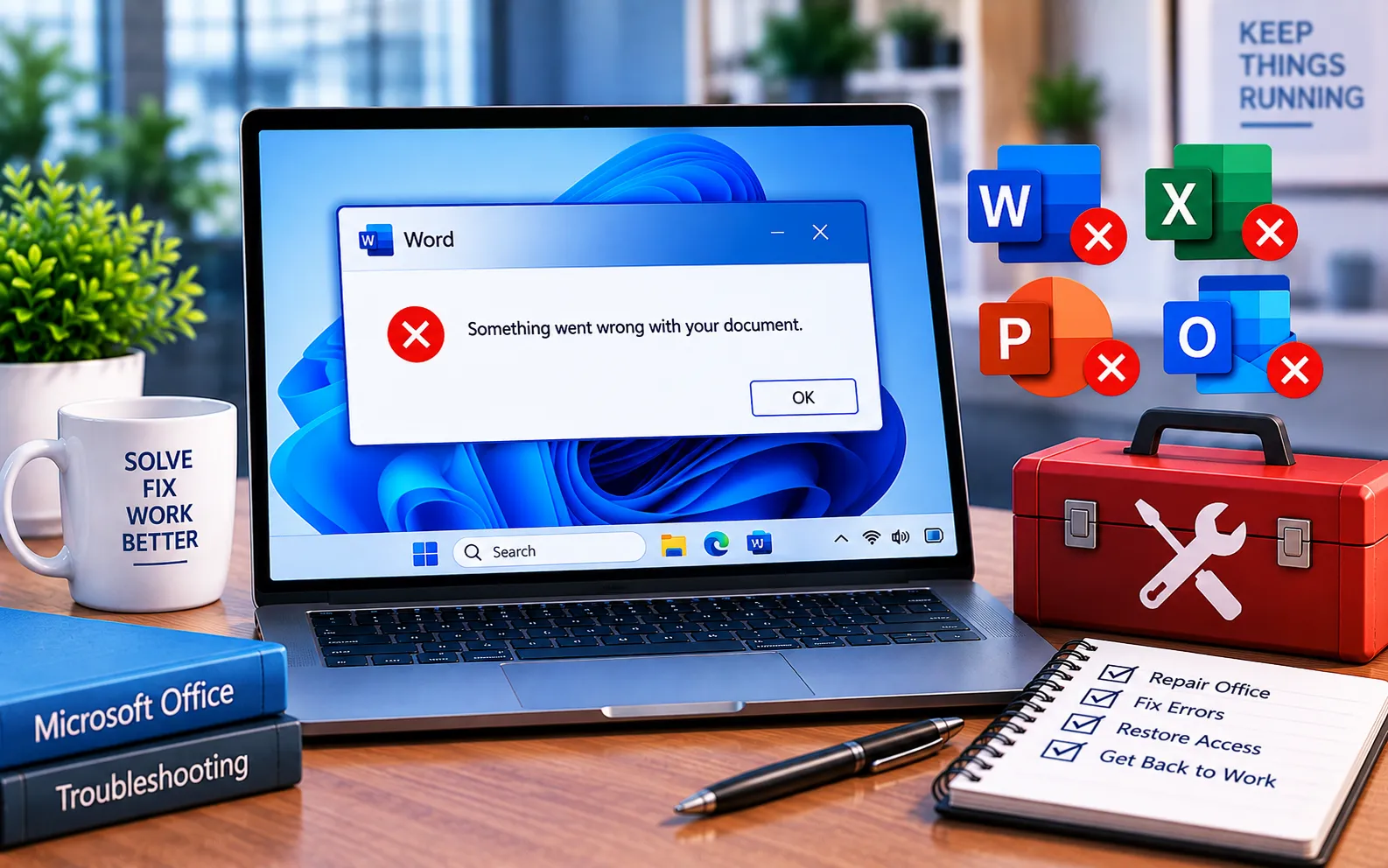
“Something went wrong” can appear when opening a Word document because of an installation issue, a broken Office repair service, or a Protected View setting blocking the file.
This guide explains what causes it and the steps to fix it.
What Causes “Something Went Wrong With My Word Document”
This error is mainly caused by system inconsistencies. If you’ve also seen it after a Windows 10 update, updating Windows fully is worth trying first, since a failed Windows update can trigger the same message. Leftover files from an old Office installation, combined with a Windows environment that isn’t fully clean, are another common cause — especially if you’re in the middle of reinstalling Office.
Here’s how to fix it:
Check the Office Source Engine service
Open Control Panel → Administrative Tools → Services, and find the Office Source Engine service in the list. Right-click it and check whether it’s running or stopped — this service needs to be active for Office repair to work correctly. If it’s stopped, right-click it and select Start.
Reinstall Office if the service issue persists
If starting the service doesn’t resolve it, you may need to reinstall Office. Clean up temporary files and remove leftover traces of the previous Office installation first, then reinstall fresh.
Update Windows
Check for and install any pending Windows updates, since a failed or missing update can trigger this error independently of Office itself.
Adjust Protected View settings
If the error appears specifically when opening a file because of Protected View restrictions, open Word, go to File → Options → Trust Center → Trust Center Settings → Protected View, uncheck the boxes there, click OK, and restart Word before reopening the document.
Still Not Resolved?
If you’re still unable to resolve this error, our experts are here to assist you — Chat with a specialist for Office or Windows-related error messages. Make sure to connect with support from the same computer where you’re seeing the error, since this helps them diagnose the issue faster.
We are an independent technical support provider and are not affiliated with, endorsed by, or sponsored by Microsoft.
FAQ
What causes “Something went wrong” when opening a Word document?
It’s usually caused by a stopped Office service, leftover files from a previous installation, a failed Windows update, or Protected View settings blocking the file.
What does the Office Source Engine service do?
It supports Office’s repair functionality — if this service is stopped, repairing a damaged Office installation may not complete correctly.
Is Protected View the same issue as “Something went wrong”?
Not exactly — Protected View is a security setting that can prevent a specific file from opening, which can trigger this error message as a side effect, separate from installation-related causes.
Should I update Windows before reinstalling Office?
Yes, it’s worth checking first. A pending or failed Windows update can trigger this error independently, so ruling that out can save you from an unnecessary reinstall.
Tags: office installation something error, office went wrong, something went wrong office error message, something wrong office
