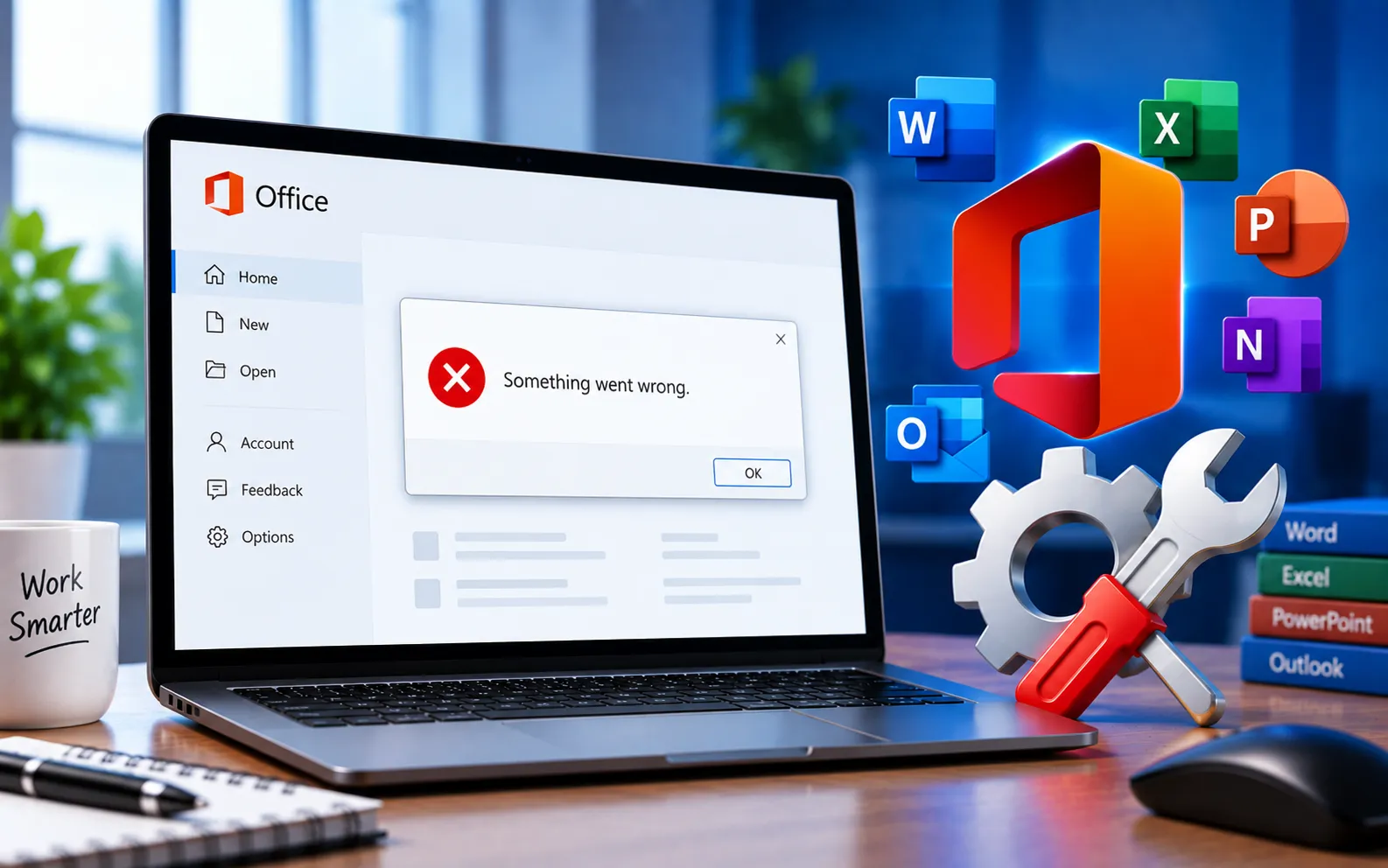
When installing Microsoft Office 2019, 2021, or Microsoft 365 on Windows 10 or 11, setup can fail with the error “Something went wrong. Sorry, we ran into a problem.”
This guide explains the steps to fix it.
How to Fix “Something Went Wrong” During Office Setup
Before the detailed steps, try these quick checks: temporarily disable any third-party antivirus or firewall before starting Office setup, and install all available Windows 10/11 updates to make sure your system is fully current.
Here’s how to fix it:
Remove all previous Office application files
Download the Microsoft Support and Recovery Assistant tool and run the SetupProd_OffScrub.exe file it provides. Click Install for the recovery tool, agree to the terms, click Yes, and let it complete its troubleshooting. Select the checkbox next to the Office product to remove, and click Next.
Repair Windows component store and system files
Open Command Prompt as administrator and run sfc /scannow. If it finds inconsistencies after the scan, run DISM /Online /Cleanup-Image /RestoreHealth to repair the Windows component store fully. Once complete, try installing Office 365, 2019, or 2021 again.
Reset Windows as a last resort
If the issue still persists after repairing system files, resetting Windows may be necessary. Back up your files first — resetting will remove your files and settings during the process.
Windows 10: Start → Settings → System → Recovery → Reset PC, then choose your preferred options.
Windows 11: Start → Settings → System → Recovery → Reset PC, then choose your preferred options.
Still Not Resolved?
If the Office installation continues to fail after repairing Windows system files, see our guide to Office Installation Error Code 1603. If you’re also experiencing application startup problems after a Windows or Office update, see our guide to Application Error 0xC0000142. Our experts are here to assist you — Chat with a specialist — for more technical support.
We are an independent technical support provider and are not affiliated with, endorsed by, or sponsored by Microsoft.
FAQ
Why does Office installation fail with “Something went wrong”?
It’s usually caused by leftover files from a previous Office installation, corrupted Windows system files, or third-party antivirus software interfering with setup.
Should I disable antivirus before installing Office?
Yes, temporarily. Antivirus or firewall software can block parts of the installation process — disable it during setup and re-enable it afterward.
What does the Support and Recovery Assistant do?
It fully removes Office from your computer, including leftover files a standard uninstall might miss, giving you a clean slate before reinstalling.
Will resetting Windows delete my files?
Yes, depending on the reset option chosen — back up your important files and settings first, since this should be a last resort after other fixes.
Tags: "Sorry, install Microsoft Office 2019, KB63363903, Microsoft 365, office 2021, Office 365/2021/2019 Installation, Office product, Something went wrong, Something went wrong. Sorry, Update Windows 11, we ran into a problem, windows 10 Updates
