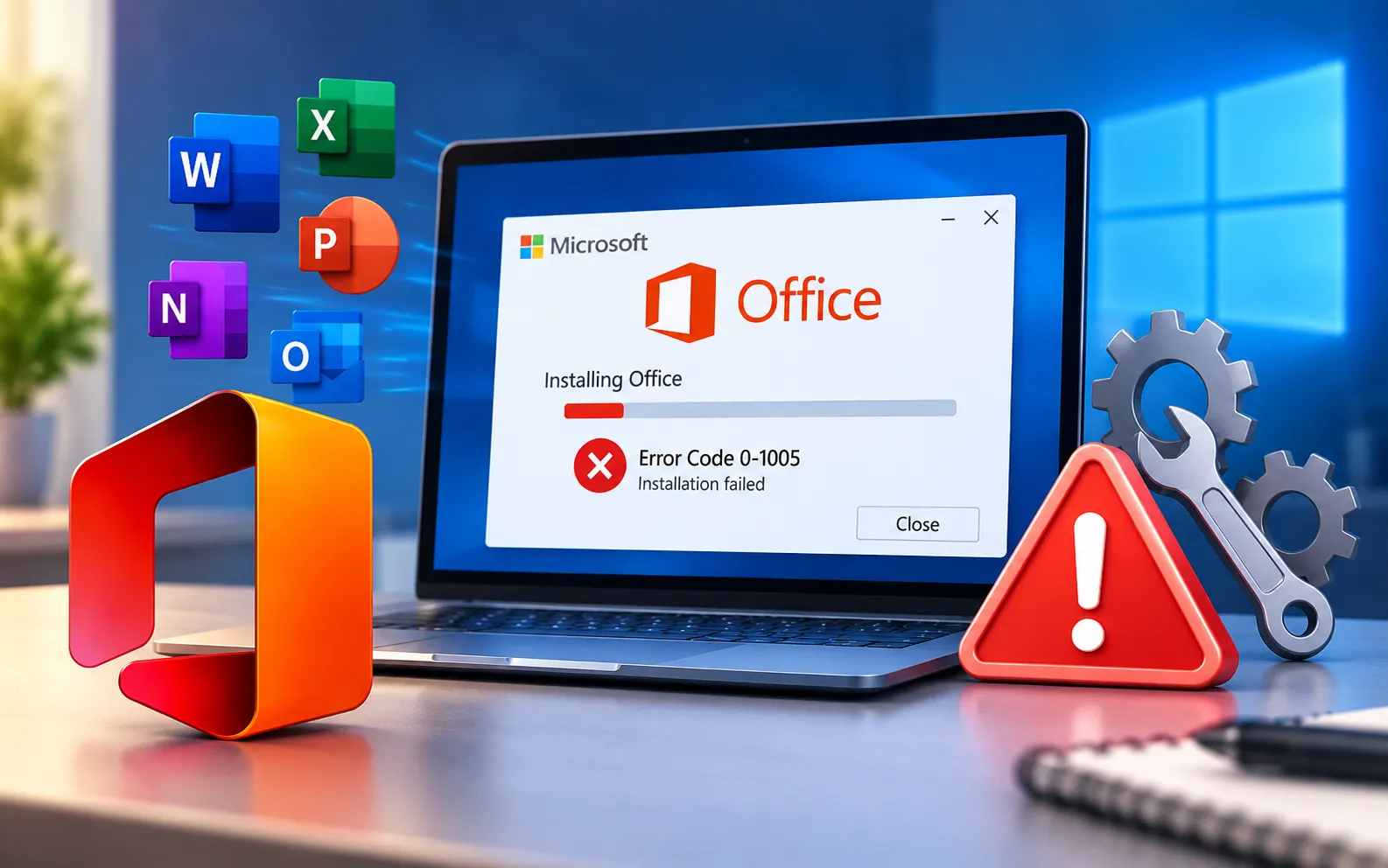
Microsoft Office Error Code 0-1005 can occur when users try to install or update Office applications. In some cases, it can also appear when an existing Office installation runs into problems during activation or startup.
Users encountering this error often see a message like: “Something went wrong. We couldn’t start your program. Please try starting it again. If it won’t start, try repairing Office from ‘Programs and Features’ in the Control Panel.” This guide explains the causes and the steps to fix it.
What Causes Office Error Code 0-1005?
The error can be caused by incomplete installation files, network connectivity problems, conflicting software, or an issue with an existing Office installation. It can disrupt your workflow and prevent you from using Word, Excel, PowerPoint, or Outlook.
Incomplete installation — an interrupted or partial Office installation can leave files missing that Office needs to start correctly.
Network issues — connectivity problems during setup or activation can prevent Office from completing the process it needs to run.
Conflicting software — antivirus programs or third-party add-ins can interfere with Office’s ability to launch or update.
If the installation continues to fail, review our guide to Office installation errors. If the error appears specifically while updating, see our guide to Microsoft Office update errors.
Here’s how to fix Office Error Code 0-1005:
Repair the Office installation
This is the fix Office itself suggests in the error message. Open Control Panel → Programs → Programs and Features, find Microsoft Office in the list, right-click it, select Change, and choose the Repair option. Start with Quick Repair — if the error continues, run Online Repair.
Check your internet connection
Make sure your connection is stable throughout installation, update, or activation — a dropped connection at any of these stages can leave Office in a state that triggers this error.
Disable conflicting add-ins or extensions
Third-party add-ins can sometimes prevent an Office app from starting correctly. Launch the affected app in Safe Mode by holding Ctrl while opening it, then disable any recently added add-ins if the app opens successfully in Safe Mode.
Make sure Windows is up to date
Check for and install any pending Windows updates, since outdated system components can sometimes cause compatibility problems with Office.
Temporarily disable antivirus software
Security software can occasionally block a file or process Office needs at startup or during activation. Disable it temporarily, try opening Office again, and re-enable it afterward.
Reinstall Microsoft Office
If repairing doesn’t resolve the error, completely remove the existing Office installation, restart your computer, then download and reinstall Office fresh using your Microsoft account.
Still Not Resolved?
If Office installs successfully but later displays an activation or licensing message, see our guide to Microsoft Office unlicensed product issues. The exact solution for Error Code 0-1005 can vary depending on your system configuration, so if these steps don’t resolve it, Microsoft’s official support channels or an IT professional can help investigate further. Our experts are here to assist you — Chat with a specialist — for more technical support.
We are an independent technical support provider and are not affiliated with, endorsed by, or sponsored by Microsoft.
FAQ
What does the “we couldn’t start your program” message mean?
It means Office failed to launch correctly, usually due to incomplete installation files, a conflicting add-in, or a corrupted installation — repairing Office is Microsoft’s own recommended first step.
Should I repair Office before reinstalling it?
Yes. Repair fixes most cases of Error Code 0-1005 without needing a full uninstall — reserve reinstalling for when repair doesn’t resolve it.
Can a third-party add-in cause this error?
Yes. A conflicting add-in can prevent an Office app from starting — opening the app in Safe Mode helps confirm whether an add-in is the cause.
Is Error Code 0-1005 related to activation problems?
It can be, in some cases — the error sometimes appears during activation or startup, not just installation. If Office installs but later shows a separate licensing message, that needs its own troubleshooting.
Tags: 0-1005, error 0-1005, Installation Error Code 0-1005, Installation Failure Error 0-1005, Installation Failure Error Code 0-1005, Office Error Code 0-1005
