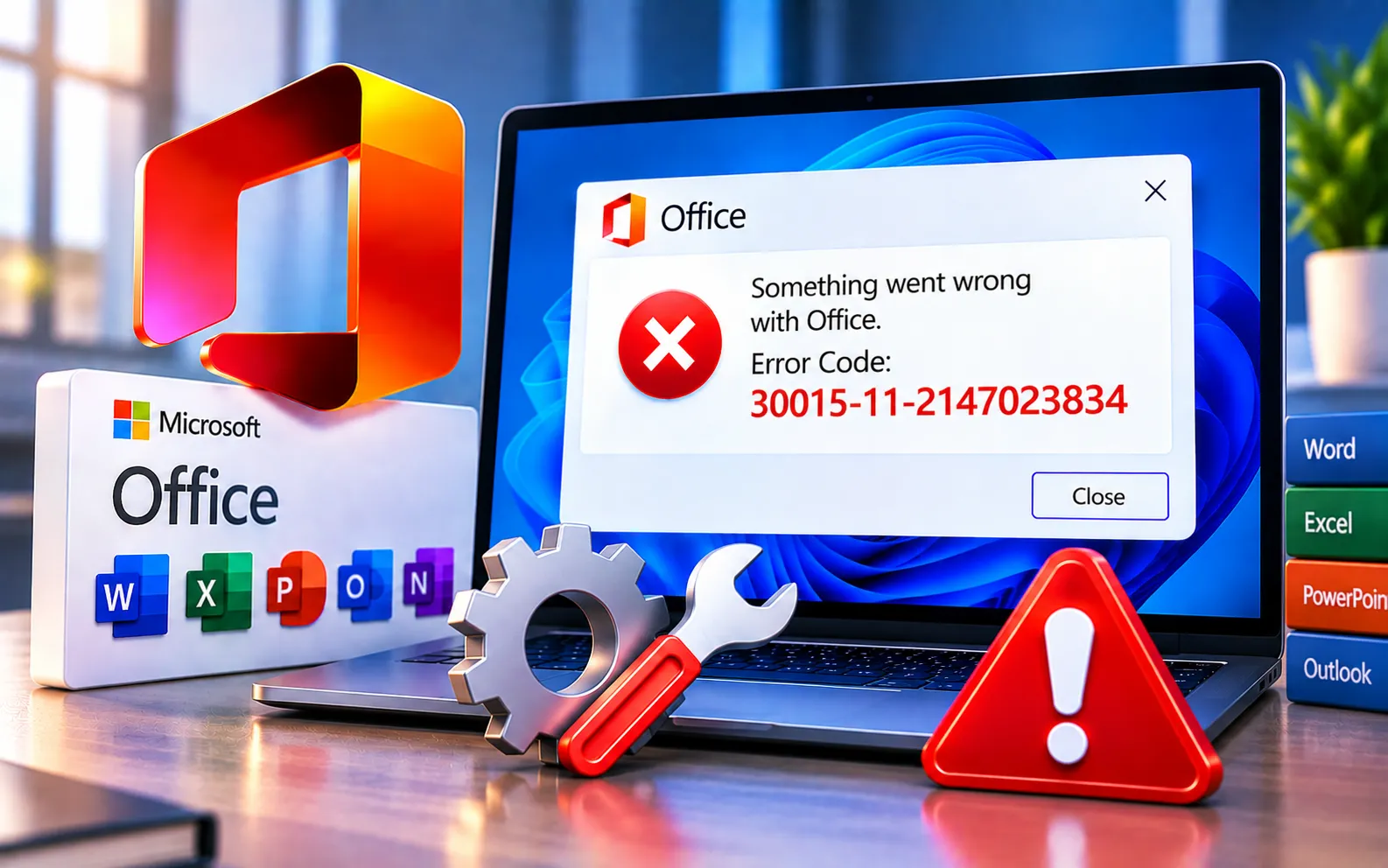
Error Code 30015-11-2147023834 is a common issue encountered by Microsoft Office users, typically when attempting to install or update the software. It indicates a problem within the Office installation process and can be frustrating for users trying to access or maintain their Office applications.
This guide explains the causes and the steps to fix it.
What Causes Error Code 30015-11-2147023834?
This error often arises due to corrupt installation files, conflicting third-party software, or issues with the Windows operating system. If it occurs specifically during installation, review our guide to Office installation errors for additional steps. If it appears while updating, our guide to Microsoft Office update errors can help with related problems.
Addressing this error promptly matters, since it can impact productivity and hinder the use of essential software like Word, Excel, and PowerPoint.
Here’s how to fix Error Code 30015-11-2147023834:
Check your internet connection
Make sure your connection is stable and uninterrupted throughout the installation or update — network interruptions are a common trigger for this error.
Repair Microsoft Office
Use the built-in Office repair option to fix corrupted installation files without needing a full reinstall. Open Programs and Features, locate Microsoft Office, select Change, and choose the repair option.
Disable conflicting software temporarily
Third-party antivirus software or conflicting add-ins can interfere with the installation process. Disable them temporarily and try again.
Update Windows
Make sure your Windows system is fully up to date, since outdated system components can contribute to this error during Office installation or update.
Remove and reinstall Office
If the steps above don’t resolve it, perform a clean reinstall — remove the existing Office installation completely, restart your computer, then download and reinstall it fresh.
What If the Error Still Appears?
If Office installs successfully but later displays a licensing or activation message, see our guide to Microsoft Office unlicensed product issues. If none of these solutions work, there may be an underlying issue with your computer requiring further investigation. Our experts are here to assist you — Chat with a specialist — for more technical support.
We are an independent technical support provider and are not affiliated with, endorsed by, or sponsored by Microsoft.
FAQ
What causes Office Error Code 30015-11-2147023834?
It’s usually caused by corrupt installation files, conflicting third-party software, or an issue with the Windows operating system.
Should I repair Office before doing a clean reinstall?
Yes. Repairing fixes most common issues without a full reinstall — reserve a clean reinstall for when repair doesn’t resolve the error.
Can outdated Windows cause this Office error?
Yes. Outdated system components can create compatibility issues during Office installation or update, so keeping Windows current helps prevent this error.
What should I do if none of these fixes work?
Contact Microsoft Support or an IT professional — a persistent error after standard troubleshooting can point to a deeper issue with your computer that needs further investigation.
Tags: 30015-11-2147023834, Error code 30015-11-2147023834, Installation Failure Error code 30015-11-2147023834, Installation Office Error code 30015-11-2147023834, Office Error code 30015-11-2147023834
