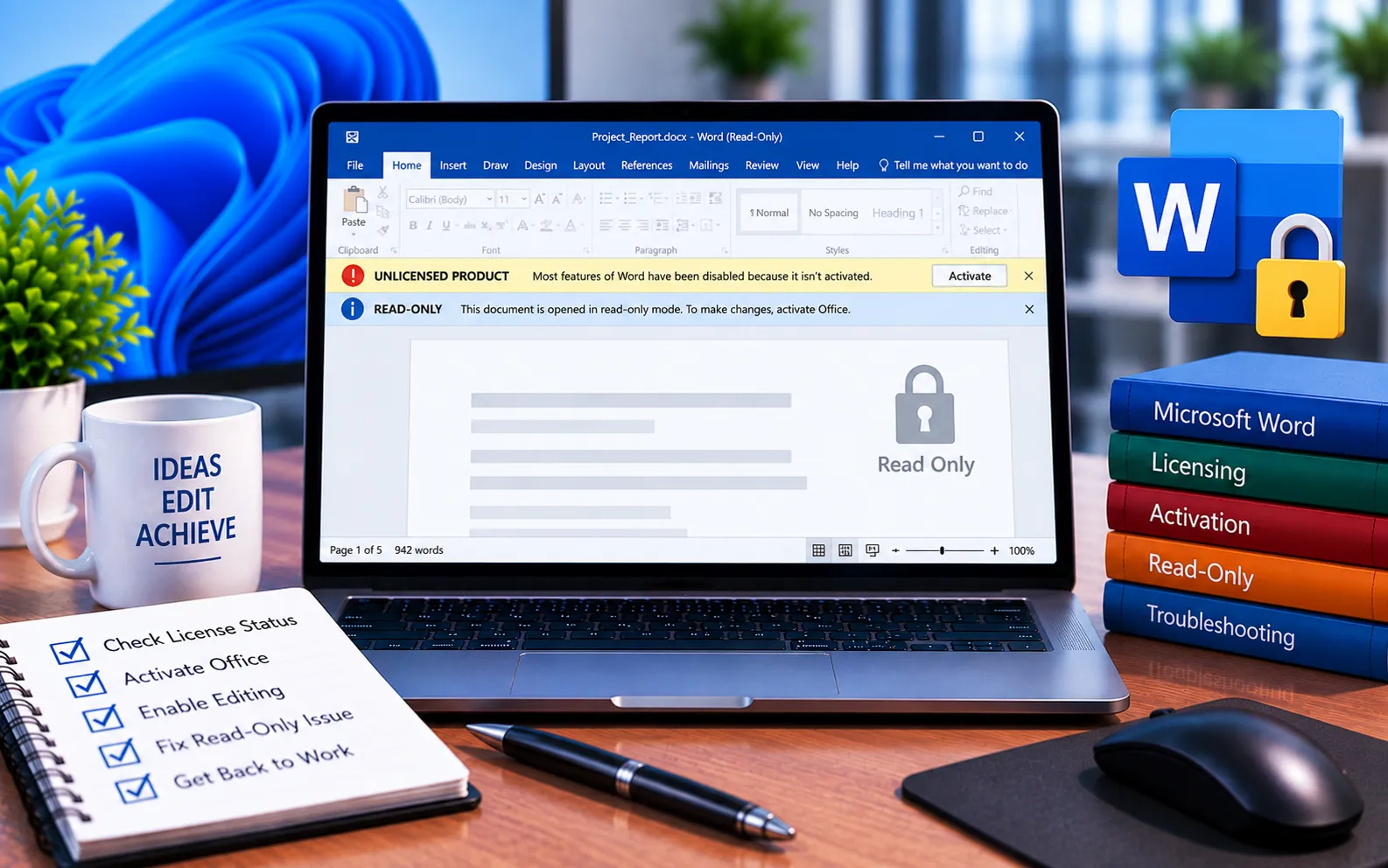
“Unlicensed Product” messages can appear across Office programs like Word, Excel, PowerPoint, or Outlook. If you see this message at the top of Word’s toolbar, it means your Office license isn’t currently verified, and you won’t be able to edit or save your documents until it’s resolved.
This guide explains what causes it and the steps to fix it.
What Causes “Unlicensed Product” in Word
To edit Word files, you need an activated Office installation. If the “Unlicensed Product” message only shows in Word — and not in Excel, PowerPoint, or Outlook — it’s likely a temporary glitch specific to Word rather than a problem with your whole Office license.
Before troubleshooting further, check whether your files have become read-only — this is a separate issue from the unlicensed message and needs a different fix, so confirming which one you’re dealing with saves time.
Here’s how to fix it:
Restart your computer
A simple restart clears many temporary glitches that can cause this message to appear incorrectly.
Sign out and back into your Office account
In Word, sign out of your Microsoft account and sign back in with the account tied to your Office license — this re-verifies your license status directly.
Repair Word
Open Control Panel → Programs → Programs and Features, find Microsoft Office in the list, right-click it, select Change, and choose the Repair option.
Restart Office-related services
Reinitializing the background services Office relies on for license verification can resolve a stuck unlicensed status without needing a full reinstall.
Still Not Resolved?
Before contacting support, keep your product key on hand if you have one. If you’re on a subscription, check whether it’s expired and needs renewing, and confirm your system’s date and time are set correctly, since an incorrect clock can interfere with license verification. If you still can’t resolve it, our experts are here to assist you — Chat with a specialist — for word, Excel, Outlook, or PowerPoint unlicensed messages.
We are an independent technical support provider and are not affiliated with, endorsed by, or sponsored by Microsoft.
FAQ
Why does “Unlicensed Product” only show in Word and not other Office apps?
This usually indicates a temporary glitch specific to Word, rather than a problem with your overall Office license — checking other apps helps confirm this.
Can an incorrect system clock cause this error?
Yes. Office checks your system’s date and time as part of license verification, so an incorrect clock can trigger an unlicensed message even with a valid license.
Is a read-only file the same issue as “Unlicensed Product”?
No. Read-only permission issues are separate from license verification problems — check the exact message at the top of the toolbar to know which one you’re dealing with before troubleshooting.
What should I have ready before contacting support?
Keep your product key handy if you have one, and confirm whether your subscription has lapsed — both speed up resolving the issue.
Tags: microsoft chat support, office 365 unlicensed product, office unlicensed, outlook unlicensed error message, Unlicensed Word program is not a license related issue
