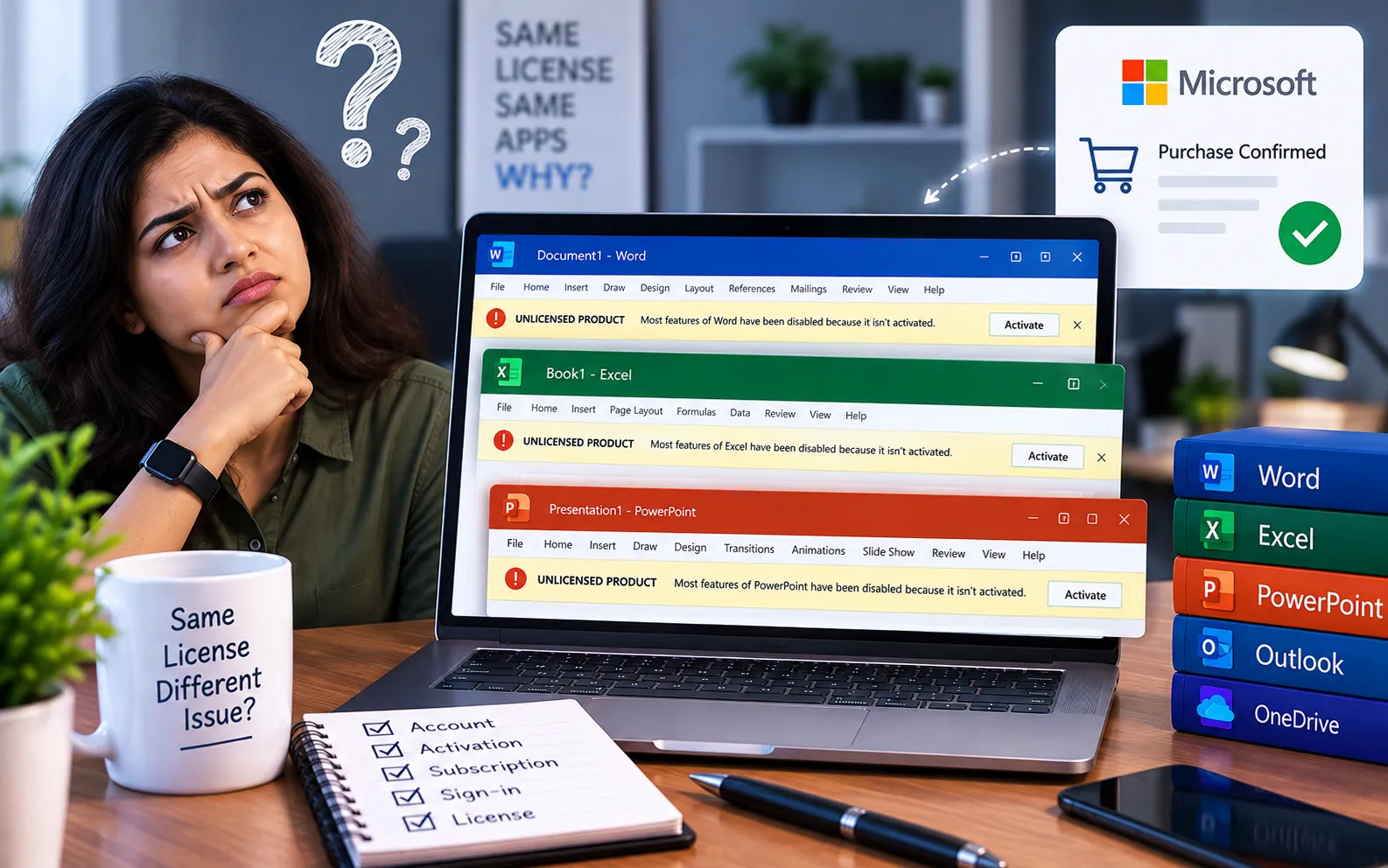
Office programs can show “Unlicensed Product” for several reasons beyond a missing key — one common cause is leftover data from a previous trial installation that wasn’t fully removed.
This guide explains why this happens and the steps to resolve it.
Why Office Shows “Unlicensed Product”
Office checks your system date as part of verifying a license, and it also periodically reconnects to Microsoft’s servers to reconfirm your activation status. Most modern software creates entries in the Windows registry when installed — when you uninstall a trial version, these registry entries often aren’t fully removed. Leftover trial data conflicting with a new installation is one of the most common causes of a false unlicensed message.
Here’s how to fix it:
Fully remove any previous trial installation
Use Microsoft’s Office Uninstall Support Tool rather than the standard uninstall option — it removes leftover registry entries and files that a normal uninstall often misses, which prevents conflicts with your current licensed installation.
Check your system date and time
Go to Settings → Time & Language, and turn on both “Set time automatically” and “Set time zone automatically.” An incorrect clock can interfere with license verification.
Sign in with the correct Microsoft account
Open any Office app, go to File → Account, and confirm you’re signed in with the account tied to your active license. Sign out and back in if needed.
Report the issue if your license is genuinely active
If you have an active license key but still see the unlicensed message, report it to Microsoft support or wherever you purchased the license — they can verify your key’s validity and provide the correct fix for your specific account.
Contact the seller if your product key is invalid
If your key shows as invalid rather than just unverified, and you have your purchase receipt, contact the seller to confirm the key is correct for your Office edition or request a replacement if it was damaged or mismatched.
Still Not Resolved?
If you’re still not able to resolve this issue, we recommend chatting with our experts — they’ll help you solve the problem. Our experts are here to assist you — Chat with a specialist — for more technical support.
We are an independent technical support provider and are not affiliated with, endorsed by, or sponsored by Microsoft.
FAQ
Why does Office show unlicensed after uninstalling a trial?
A standard uninstall often leaves registry entries behind from the trial, which can conflict with a new licensed installation and trigger a false unlicensed message.
What does the Office Uninstall Support Tool do differently from a normal uninstall?
It removes leftover files and registry entries a standard uninstall misses, giving you a clean slate before reinstalling or reactivating Office.
What should I do if my product key shows as invalid?
Contact the seller with your purchase receipt to confirm the key matches your Office edition, or request a replacement if the key itself is damaged or incorrect.
Can an incorrect system clock cause an unlicensed message?
Yes. Office checks your system date and time as part of license verification, so an incorrect clock can trigger this message even with a valid, active license.
Tags: office programs shows unlicensed products, unlicensed product
