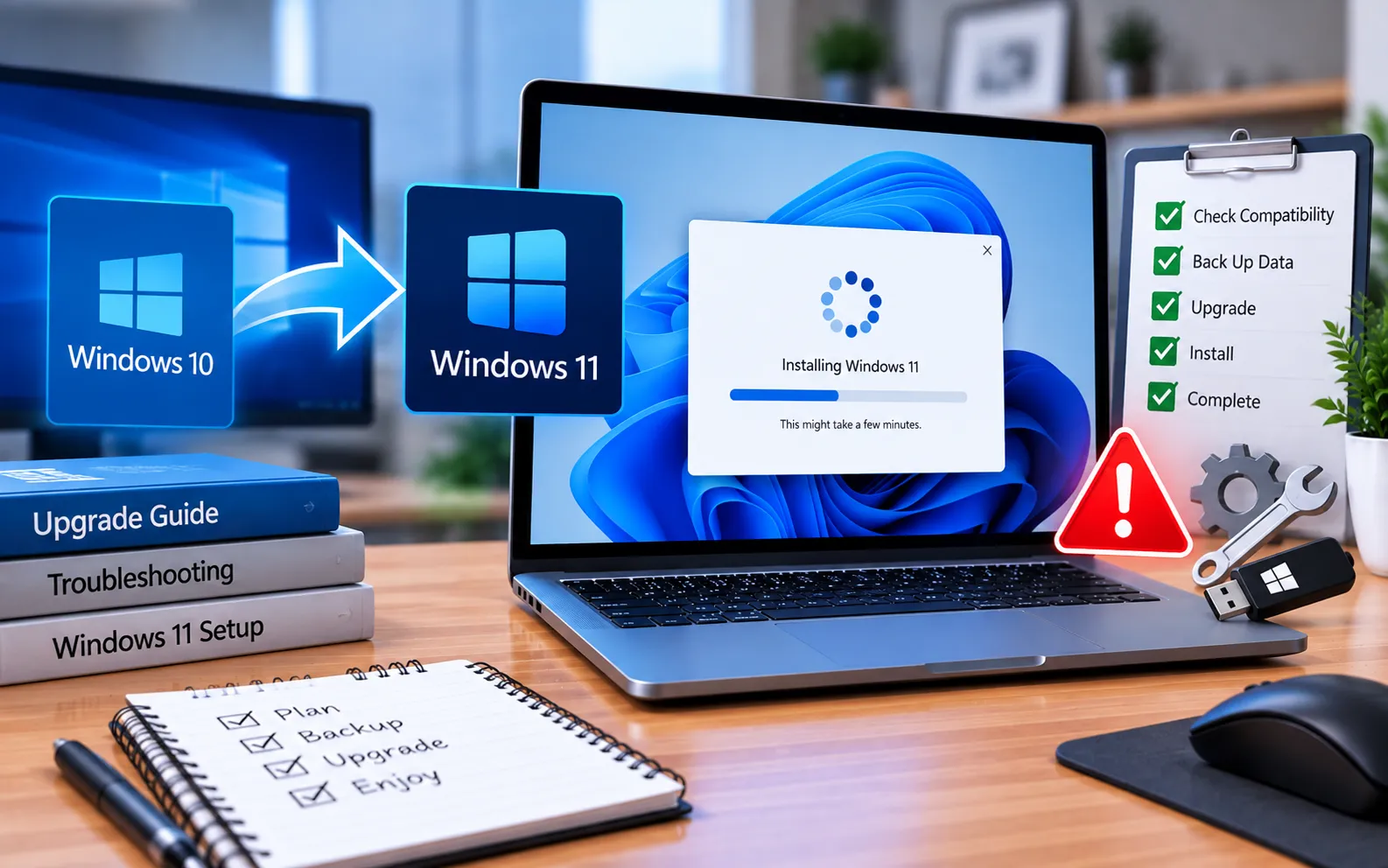
There are several reasons you might see a “Windows 10/11 Installation Error” when updating or upgrading, though most issues are resolved with a few simple steps. Before attempting an upgrade, wait for Windows to notify you it’s ready, rather than forcing it manually.
One of the most common causes of Windows 11 not installing is your PC not meeting the minimum hardware requirements, or a faulty installation media. This guide explains the steps to fix it.
How to Fix Windows 10/11 Installation Error
Try these suggestions in order to resolve upgrade and installation issues.
Here’s how to fix it:
Remove external hardware
Unplug any unnecessary devices — headphones, printers, scanners, speakers, USB drives, and external hard drives. If you’re using a laptop with a docking station, unplug it too.
Make sure Windows is fully updated
Before attempting the upgrade, ensure all necessary updates — including hardware driver updates — are already installed.
Uninstall third-party antivirus software
Non-Microsoft antivirus software can occasionally cause upgrade issues. Uninstall it temporarily through Control Panel → Programs and Features → select the application → Uninstall → confirm with Yes. Windows Defender will protect your device during the upgrade in its place.
Uninstall unnecessary Office or other programs
Outdated software can interfere with a Windows update. Go to Control Panel → Programs and Features, select the application, choose Uninstall, and confirm with Yes. Make sure you have the installation disc and activation details for anything you plan to reinstall afterward.
Free up disk space
You need enough free space on your hard drive to upgrade. Open File Explorer, select “This PC,” and check the available free space under your drive. Delete unnecessary files if space is limited.
Still Not Resolved?
If you’re facing a direct issue with installation after trying these steps, a repair or reinstall may be the next option. Our experts are here to assist you — Chat with a specialist — for more technical support.
We are an independent technical support provider and are not affiliated with, endorsed by, or sponsored by Microsoft.
FAQ
What causes a Windows 10/11 installation error?
It’s usually caused by your PC not meeting the minimum hardware requirements, faulty installation media, connected external devices, or conflicting third-party software.
Should I disconnect USB devices before installing a Windows update?
Yes, it’s a good precaution. Disconnecting non-essential peripherals rules out compatibility conflicts that can interfere with installation.
Do I need to keep my installation disc before uninstalling Office?
Yes. Have your installation disc and activation details ready before removing any program you plan to reinstall after the upgrade.
Can third-party antivirus software block a Windows upgrade?
Yes. Non-Microsoft antivirus software can occasionally cause upgrade issues — temporarily uninstalling it and relying on Windows Defender during the upgrade often resolves this.
Tags: how to fix windows installer error in windows 10, unable to install software on windows 10., windows 10 installation error, windows 10 installation has failed, windows 10 updates fail to install, windows could not complete the installation, windows installation error 80070570, windows installer error windows 7
