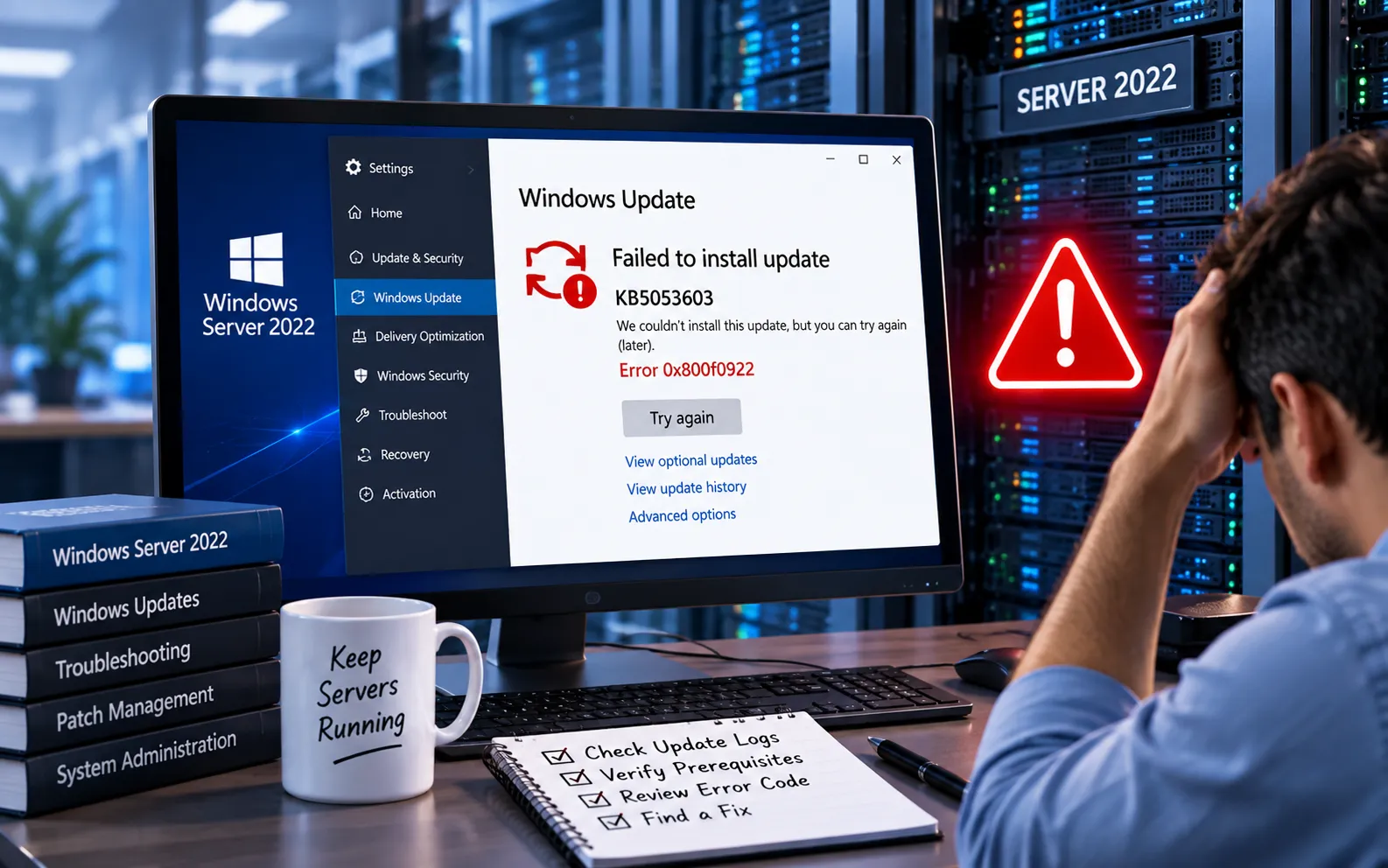
Windows Server 2022 update KB5053603 may fail to install with error code 0x80073701. This error can indicate problems with system components or the Windows servicing process, preventing the update from completing successfully.
This guide explains the troubleshooting steps that resolve this error in most cases, from the built-in Windows Update Troubleshooter to checking the detailed servicing logs.
How to Fix KB5053603 Update Failure on Windows Server 2022
Error 0x80073701 usually points to a servicing issue — a missing or corrupted system component that Windows needs before it can complete the update. The fixes below work through this from the simplest automated check to the most detailed manual diagnosis, so try them in order.
Here’s how to fix it:
Run the Windows Update Troubleshooter
Windows has a built-in troubleshooter to detect and repair common Windows Update problems. Go to Settings → Update & Security → Troubleshoot, choose Windows Update, and click “Run the troubleshooter.” It will scan for and attempt to fix issues with the update installation automatically.
Run System File Checker (SFC)
System File Checker scans protected system files and repairs corruption that may be interfering with Windows servicing and update installation. Open an elevated Command Prompt and run sfc /scannow. Wait for the scan to finish, then restart your server before trying the update again.
Use DISM (Deployment Image Servicing and Management)
DISM checks and repairs the Windows component store when corruption is what’s blocking the update. In an elevated Command Prompt, run DISM.exe /Online /Cleanup-image /ScanHealth, followed by DISM.exe /Online /Cleanup-image /RestoreHealth. Restart your server afterward and try installing the update again.
Check CBS logs for specific errors
If the update still fails, the Component-Based Servicing (CBS) log holds detailed information about exactly why. Open C:\Windows\Logs\CBS\CBS.log and look for entries like “Failed to pin a deployment” or “ERROR_SXS_ASSEMBLY_MISSING” — these point to the specific component or servicing problem blocking the update, which you can then target directly.
If the Update Still Fails
If you’ve run the troubleshooter, SFC, and DISM, and checked the CBS logs without finding a clear fix, the issue may need a closer, server-specific diagnosis rather than repeated update attempts. Our experts are here to assist you — Chat with a specialist — and they’ll help resolve any issues you may have.
We are an independent technical support provider and are not affiliated with, endorsed by, or sponsored by Microsoft.
FAQ
What does error 0x80073701 mean on Windows Server 2022?
It typically indicates a servicing issue — a missing or corrupted system component that Windows Update needs in order to complete installation.
Will SFC and DISM fix KB5053603 installation failures?
In many cases, yes. Both tools repair corrupted system files and the Windows component store, which are common underlying causes of this specific error code.
Where can I find detailed error information for a failed update?
Check the CBS log at C:\Windows\Logs\CBS\CBS.log — it records specific error entries that identify exactly which component or servicing step caused the failure.
Do I need to restart my server after running SFC or DISM?
Yes. Restart your server after each tool completes, then attempt the update again — this ensures the repaired files and components are properly loaded before the next install attempt.
Tags: 0x80073701, DISM Repair, Fix Windows Updates, KB5053603, SFC Scan, Update Troubleshooting, Windows Server 2022, Windows Server Issues, Windows Update Error
