Windows Update Error 0x80070641
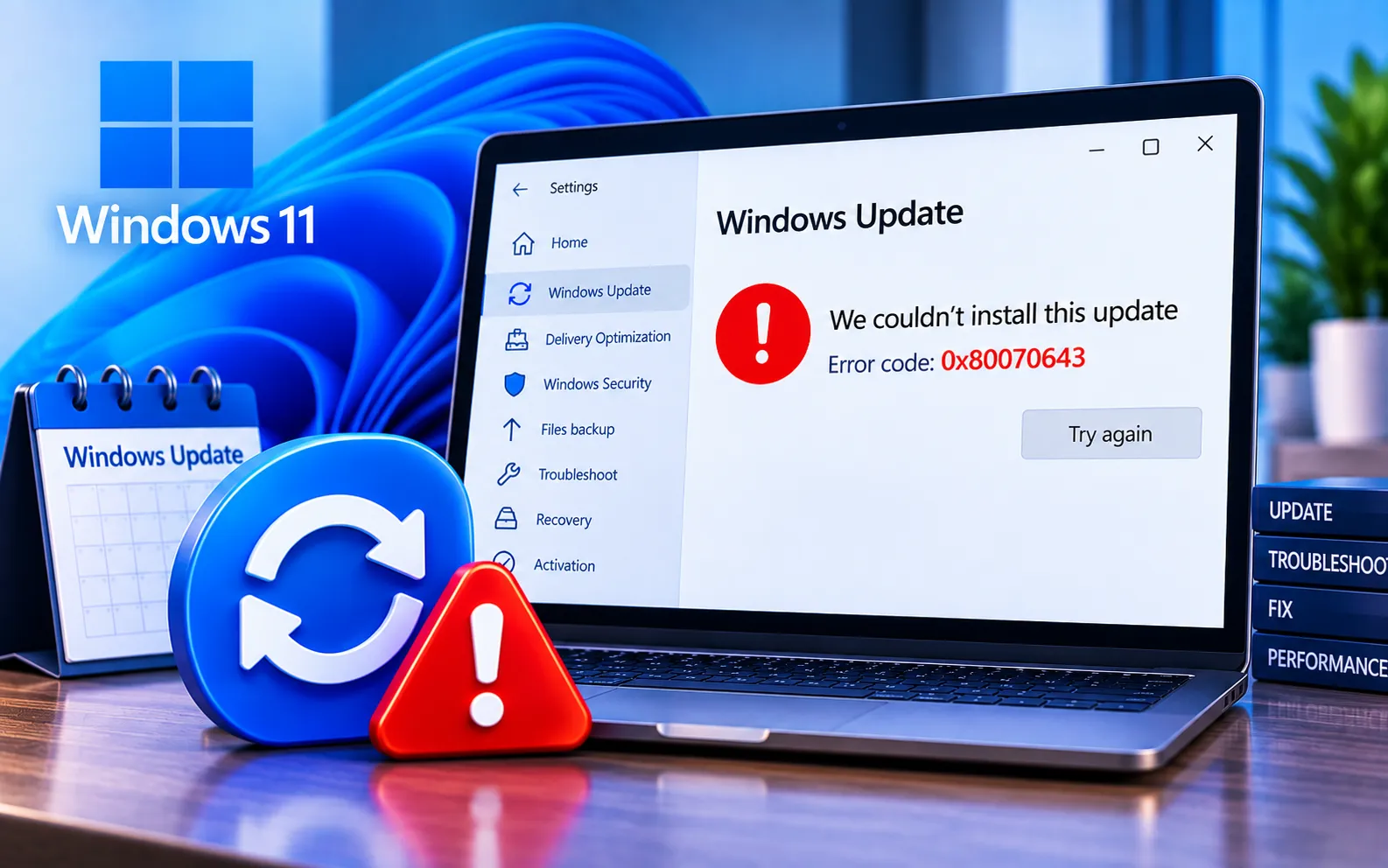
Having trouble updating Windows? Running into error code 0x80070643 means there’s a problem installing or updating, often because of corrupted system files or a conflict with other installed programs.
This guide walks through six methods to fix the problem and get Windows updates working again.
What Error Code 0x80070643 Means
Windows Update fails — your system runs into this error when trying to nstall an update.
Microsoft Defender update issue — the error can also appear when Microsoft Defender is updating, pointing to a problem with its virus definition updates.
Here’s how to fix error code 0x80070643:
1
Restart your computer
A quick restart can often resolve temporary Windows Update hiccups. Reboot your computer and try updating again to see if the error still appears.
2
Run the Windows Update Troubleshooter
Open Settings, go to Update & Security → Troubleshoot, select Windows Update, and click Run the troubleshooter. Follow the on-screen instructions and let it find and fix any problems automatically.
3
Clear the Windows Update cache
A corrupted update cache can also cause this error. Press Win + R, type services.msc, and press Enter. Find “Windows Update” in the list, right-click, and select Stop. Then go to C:\Windows\SoftwareDistribution and delete everything in that folder (admin rights may be required). Finally, go back to Services, right-click Windows Update, and select Start.
4
Check for third-party antivirus interference
Third-party antivirus software can sometimes interfere with Windows updates. Temporarily disable any antivirus program you have installed and try updating again.
5
Perform a clean boot
A clean boot starts Windows with only essential drivers and startup items, helping rule out software conflicts. Press Win + R, type msconfig, and go to the Services tab. Check “Hide all Microsoft services,” then click “Disable all.” Next, go to the Startup tab, open Task Manager, and disable all startup items one by one. Restart your PC and try updating.
6
Update Microsoft Defender manually
If the error is specifically tied to Defender, go to the Microsoft Defender Updates website, download the most recent virus and spyware definition updates, and open the downloaded file to install them manually.
Still Not Resolved?
Windows Update Error Code 0x80070643 can be frustrating, but working through these steps systematically resolves it in most cases. If you’re still unable to fix it after trying all six methods, our experts are here to assist you — Chat with a specialist — for more technical support.
We are an independent technical support provider and are not affiliated with, endorsed by, or sponsored by Microsoft.
FAQ
What causes Windows Update Error 0x80070643?
It’s typically caused by corrupted system files, a conflict with other installed programs, or an issue with Microsoft Defender’s virus definition updates.
Will clearing the SoftwareDistribution folder delete my files?
No. This folder only holds temporary update files — deleting its contents doesn’t affect your personal documents or installed applications.
Can third-party antivirus software cause this error?
Yes. Some antivirus programs interfere with Windows Update’s connection to Microsoft’s servers, temporarily disabling it can help confirm if this is the cause.
What is a clean boot and when should I use it?
A clean boot starts Windows with only essential drivers and services, which helps identify whether a third-party program is conflicting with the update — use it if other fixes haven’t worked.
Tags: 0x80070643, Can’t update Windows 0x80070643, Error 0x80070643, Error code 0x80070643, update Error Code 0x80070643, Windows update Error Code 0x80070643
