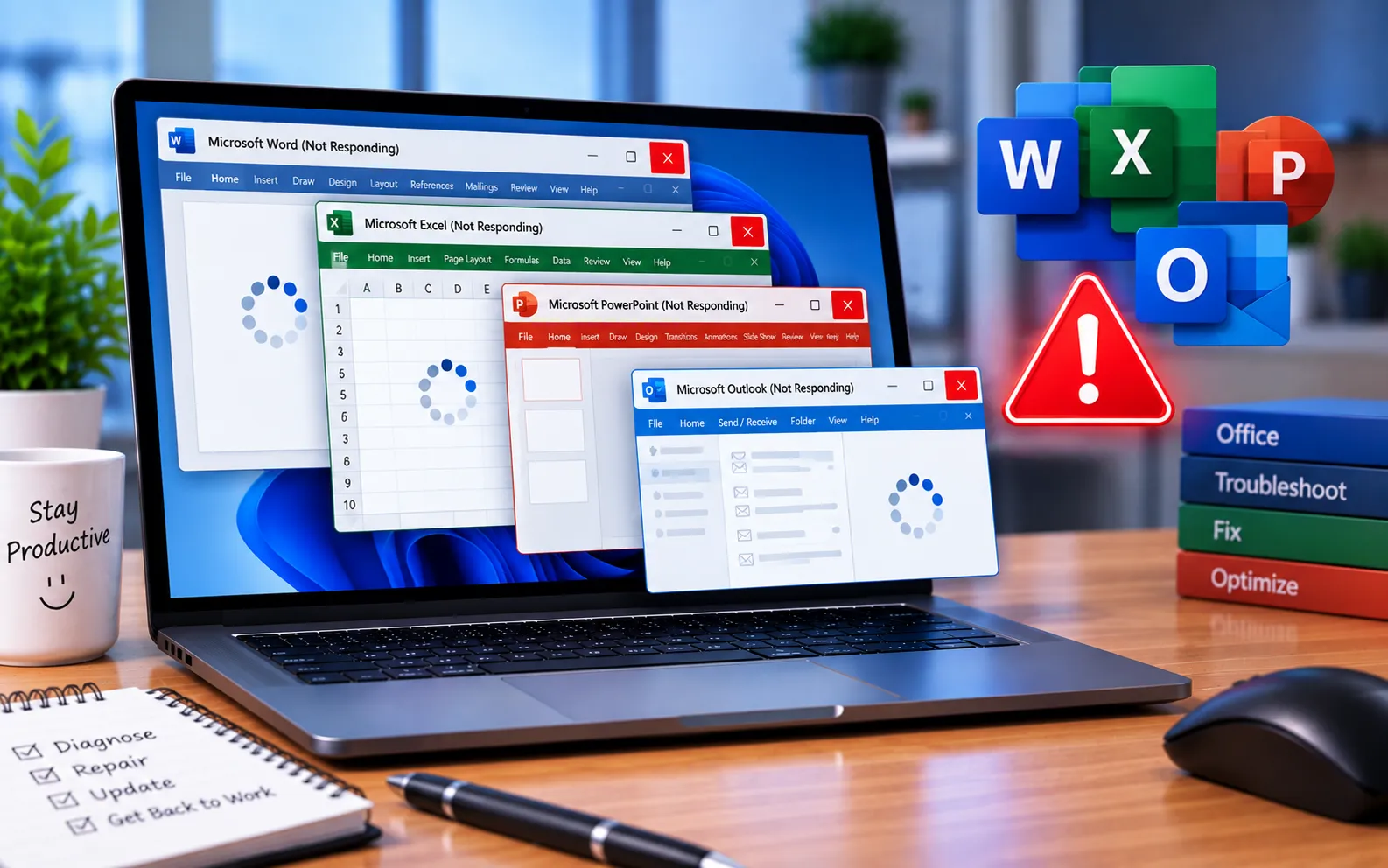
When trying to open or save a file in Microsoft Office, you may see the app become unresponsive — commonly while using the Save As or Open dialog box, where clicking Cancel or trying to close the box doesn’t work either.
This guide explains the causes and the steps to fix it.
Why Office Programs Become “Not Responding”
This issue commonly happens when your computer is connected to one or more mapped network shares that are unavailable or no longer exist, when a mapped drive is persistent but located on an untrusted domain, when the mapped drive is on a slow or older machine, when a mapped drive is shared over a wide area network (WAN), or when a removable drive becomes inaccessible.
Here’s how to fix it — try these in order, and stop once one works:
Use Task Manager
Open Task Manager (Ctrl + Alt + Delete, or search “Task Manager”), select the Office app, and click “End task.” If disk usage shows 100%, this points to a RAM overflow that needs addressing first, since it can be the underlying cause of the freeze.
Temporarily disable third-party antivirus software
Turn off your antivirus temporarily to see if it’s interfering with Office. Avoid downloading suspicious files while it’s off, and re-enable it once you’re done testing.
Disable Office add-ins
Add-ins can occasionally interfere with normal functionality. Go to File → Options → Add-ins, disable them all, click OK, and try reopening the document that was causing issues.
Set up server mirroring for WAN connections
If the file is stored across a wide area network, consider server mirroring — this keeps a local copy of the remote server, and mapping your drive to the local copy instead reduces wait time significantly.
Repair your Office installation
Go to Control Panel → Programs and Features → Microsoft Office, select Change, choose Repair, then Continue. Select Online Repair or Quick Repair and click Repair. Restart your computer once the process completes.
Still Not Resolved?
If you’re still not able to resolve this error, we suggest chatting with our experts — they’ll give you the best solutions to resolve it completely. Our experts are here to assist you — Chat with a specialist — for more technical support.
We are an independent technical support provider and are not affiliated with, endorsed by, or sponsored by Microsoft.
FAQ
Why does Office freeze when opening or saving a file?
It’s commonly caused by a mapped network drive that’s unavailable, slow, or connected across a wide area network, though a conflicting add-in or high RAM usage can also be the cause.
What does 100% disk usage in Task Manager mean when Office freezes?
It usually indicates a RAM overflow contributing to the freeze — addressing this resource issue first often resolves the “not responding” state.
What is server mirroring and when should I use it?
It creates a local copy of a remote server so your mapped drive connects locally instead of over a slow wide area network connection, reducing wait time for file access.
Should I try Quick Repair or Online Repair first?
Start with Quick Repair, since it’s faster and fixes most common issues. If that doesn’t resolve the error, run Online Repair for a more thorough fix.
Tags: how do i fix microsoft word not responding., microsoft office not responding when opening, microsoft office not responding windows 10, microsoft word 2016 not responding windows 10, microsoft word has stopped working, microsoft word not opening, office 2016 not responding, office 365 not responding windows 10
